



There’s a line of thinking among people with opinions about music production that gain staging is basically a moot concern. The reasoning goes something like this: modern DAWs use floating-point math in their internal mixers, making it really hard to clip a channel or a bus by pushing signal over 0 dBFS. Compared to overdriving a tape machine or clipping a converter, the risk of “too-hot” signal ain’t what it used to be in the days of analog recording, or even the “bronze age” of digital production.
Do you sense there’s a caveat coming here? Of course there is! Here’s the thing: no, you probably won’t clip a channel in your DAW anymore… but at some point, that audio has to leave your hard drive and fend for itself in the real world, where 0 is the ceiling for consumer playback systems, same as it ever was. Signal above 0 will clip, with all the normal ugly artifacts that come along with that. (Sad trombone).
Wait - I’m not done! The other, arguably more important reason gain staging still matters is that effects processing with behavior dependent on incoming signal level probably isn’t optimized to see peaks above zero. It probably doesn’t even sound its best just a couple dB below zero.
What kind of “effects processing” am I talking about here? At a minimum, any plugin modeling the behavior of analog gear, and more broadly any plugin that introduces saturation. Saturation is a big part of why we like that old analog gear in the first place, and though early digital recording tech struggled to deliver the beloved sounds of vintage hardware, we’ve gotten pretty dang good at it over the last couple decades. Good job, us!
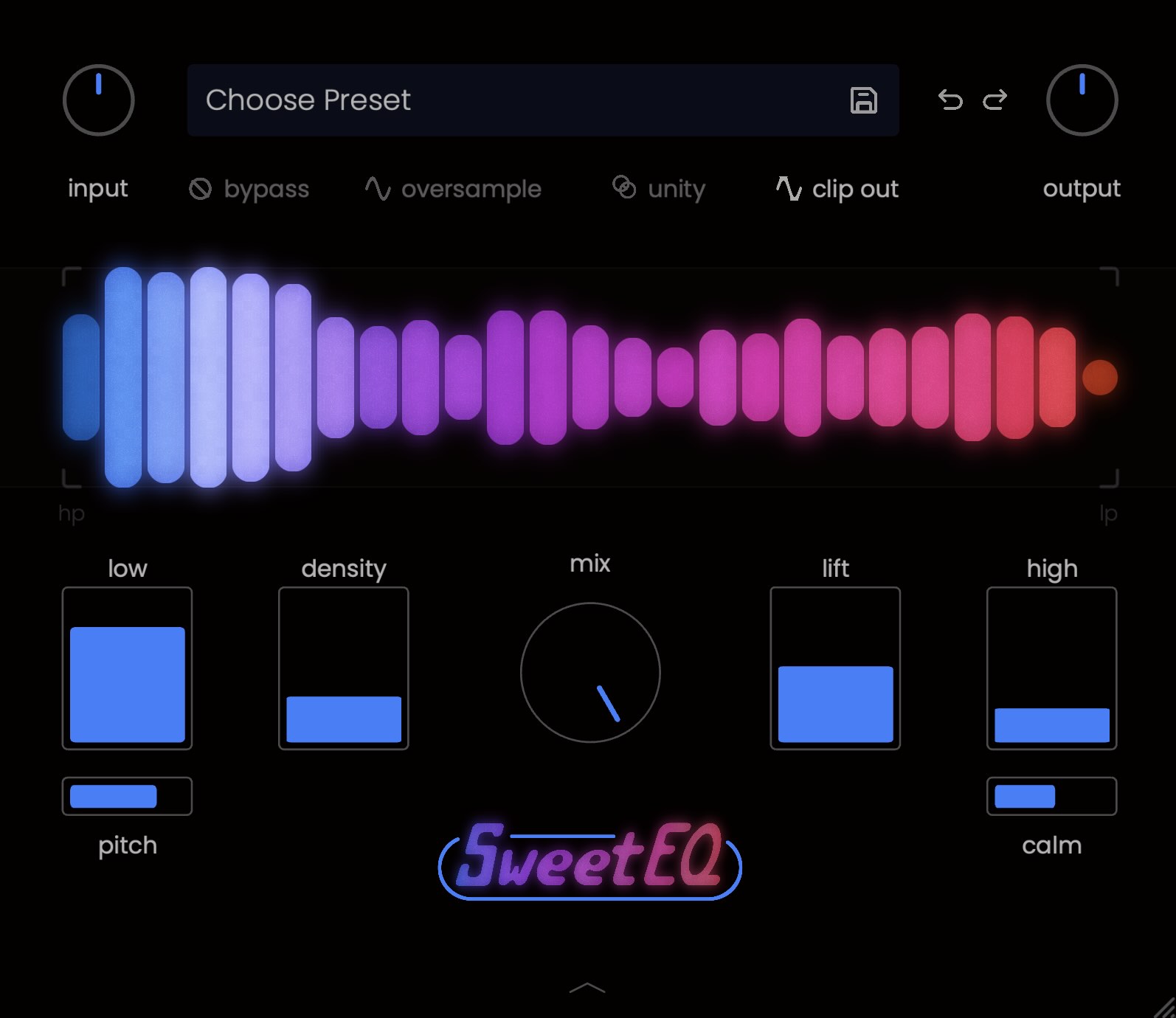
By now, you might be realizing that “plugins that introduce saturation” includes quite a few of your favorites. Notably, it includes all of our plugins, but for today I’ll focus on SweetEQ because it is, in fact, a multiband saturator. Don’t stress, though - getting your gain staging right isn’t too hard.
You’ll know you’re coming in too hot if, even with all four bands at zero, you’re hearing audible distortion. If the dry signal is peaking over 0 dBFS, you’re most definitely too hot. Let’s turn it down. There’s no magic number, but peaks around -6 or average/RMS values around -18 are a safe starting point. Those aren’t “official” Musik Hack numbers, just basic common sense ones.
How do you get to the sweet spot? It depends on where SweetEQ is sitting in your chain, but the simplest route is to adjust the In knob down - reduce the input gain until the track sounds like itself with nothing added on any of the four bands.
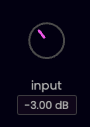
If SweetEQ is after other plugins, double check the gain staging on those, too.
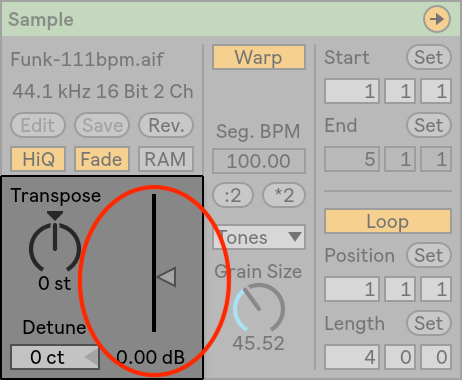
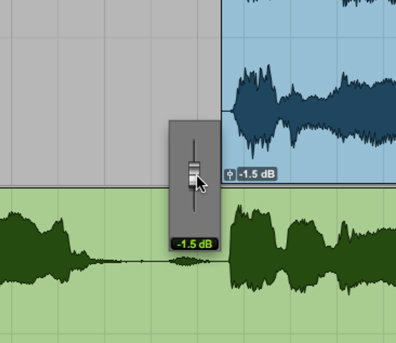
This idea works in reverse, by the way - if the effect you're getting from SweetEQ isn’t intense enough, crank that In knob until it gives you what you’re looking for. And in either case, if the source audio itself is too loud or too quiet, your best first move is probably to adjust the clip gain.
Not familiar with using clip gain? Here's where to find it in Ableton Live:
...Pro Tools:
...and Logic:
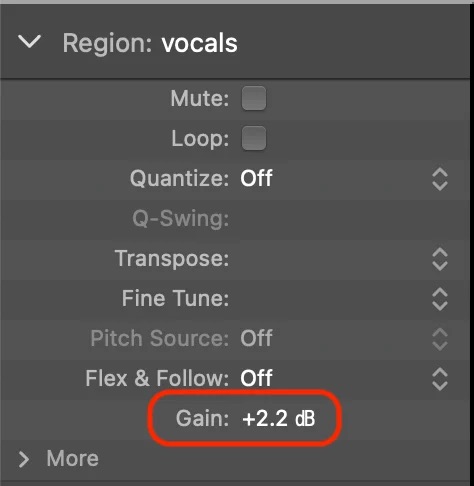
From there, dial to taste. Which band has the secret sauce for your mix will vary, of course, and there are presets to help if you’re not sure where to get started. Don’t be afraid to experiment!
Sorry if I burst your bubble about gain staging. The good news is, it’s not that hard to get right - and yeah, it still matters.