


You might have noticed that while our plugins are generally pretty loaded up with features, the controls are pretty straightforward. You might even call some of those controls “limited,” but don’t get it twisted - I don’t necessarily think limited controls are a bad thing. I wrote a whole article about it.
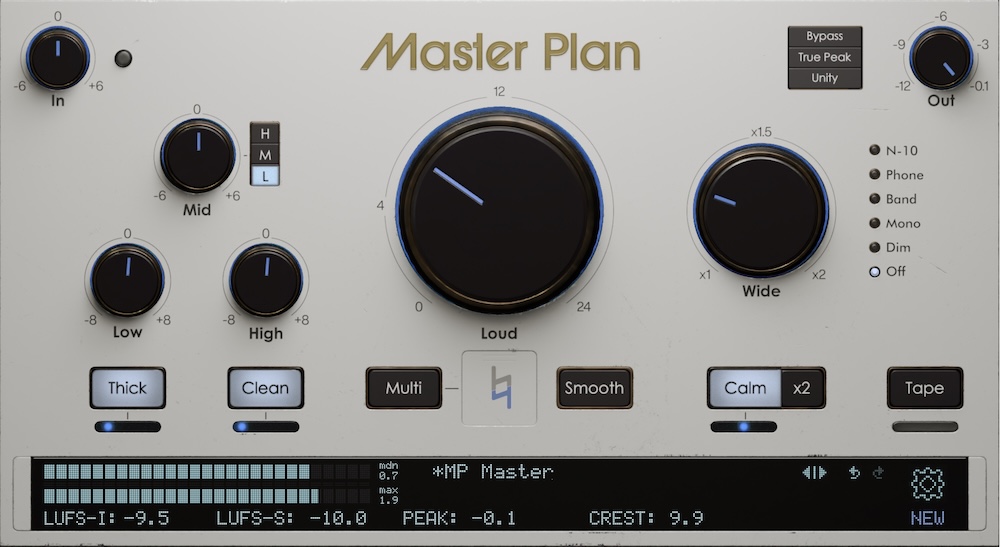
If you’ve wondered why, say, Master Plan’s Loud is just one knob, the reason is that that function (driving the input of a limiter) is so “bread-and-butter” that we end up using it the same exact way 99% of the time. Is it possible to tweak a limiter beyond what one knob lets you do? Of course, but let’s be real: I want my mastering limiter to help me fine-tune loudness, without noticeably changing the sound too much otherwise. Without knowing anything about you, reader, I’d take a stab in the dark and guess that you do too.
Was I right?
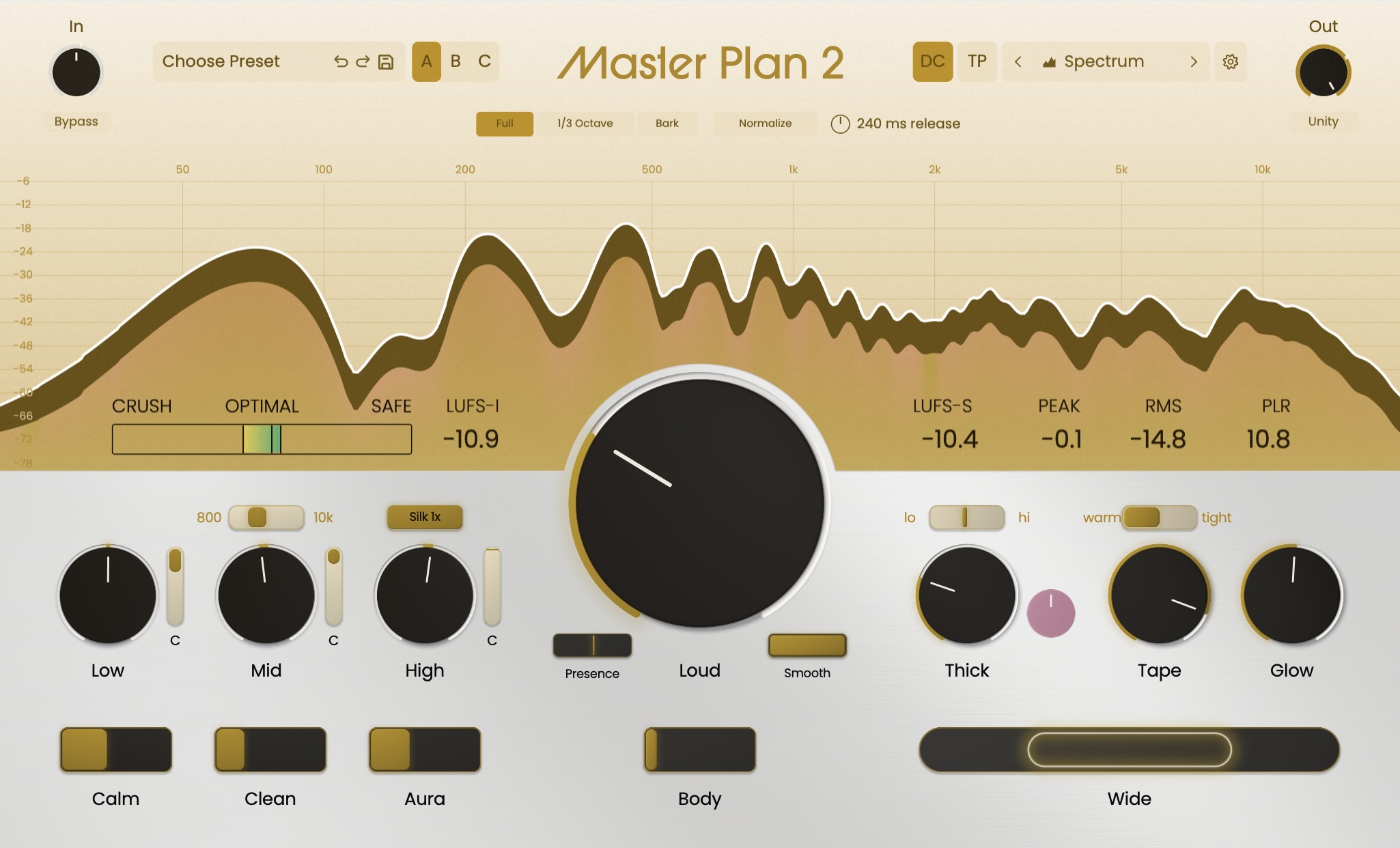
Another one of those “just make it do the thing I want it to do” buttons on Master Plan is the slightly less obviously named Clean. That button - which toggles on a slider that controls the intensity of the effect - is an idiot-proof control for, well, cleaning up the mud in a mix. 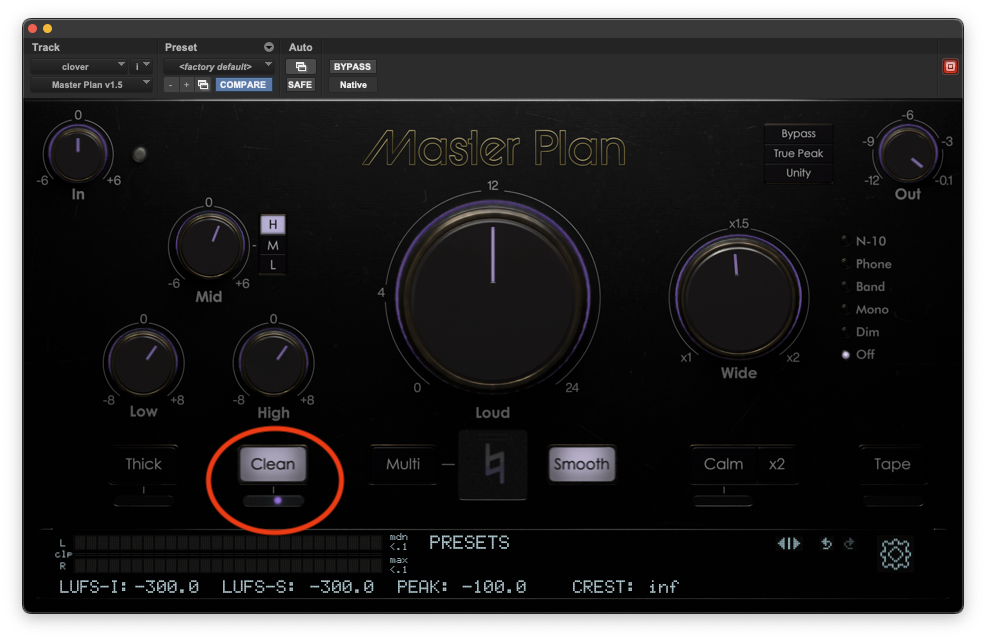
“Mud,” just to be clear, is a super technical music production term that refers to the sonic gunk that tends to build up in the lower midrange. Those frequencies are prime real estate, where a huge number of instruments and voices in a mix will add to a sonic dogpile that hurts clarity and makes things sound all… you know, muddy.
Is it possible that a mix might actually need a boost in the lower midrange? Sure. It happens. (It’s why there’s that Mid knob in the EQ section.) But, again, more often than not in a master, I’m looking for a gentle cut to the lower midrange to deal with all that mud.
And that brings me back to Clean. Push that button and ride the slider up, and listen to what you notice. You’re hearing a broad, gentle cut, centered at 200 Hz. As you move that slider towards higher values, you’ll notice your mix start to “open up:” the vocals take on a weightless buoyancy; the instrumental gets new definition; the bass becomes leaner and more incisive; the beat loses some cardboard and gains some focus.
Keep pushing that slider up - go ahead, take it to 100%. You know what you won’t notice? The mix suddenly getting way too thin. That’s because, like a lot of the simpler controls on our plugins, it was purposely designed to be hard to overdo. Yeah, 100% is probably too much - but it’s not going to be “what did you do!!??” too much.
Not literally every mix that leaves my hard drive needs a cut to the lower midrange. But that kind of mud is a common enough issue that, when it comes up, a little cut at 200 Hz really cleans things up. And in those instances, Clean is the one little button that just does the thing I was probably about to do anyway.