
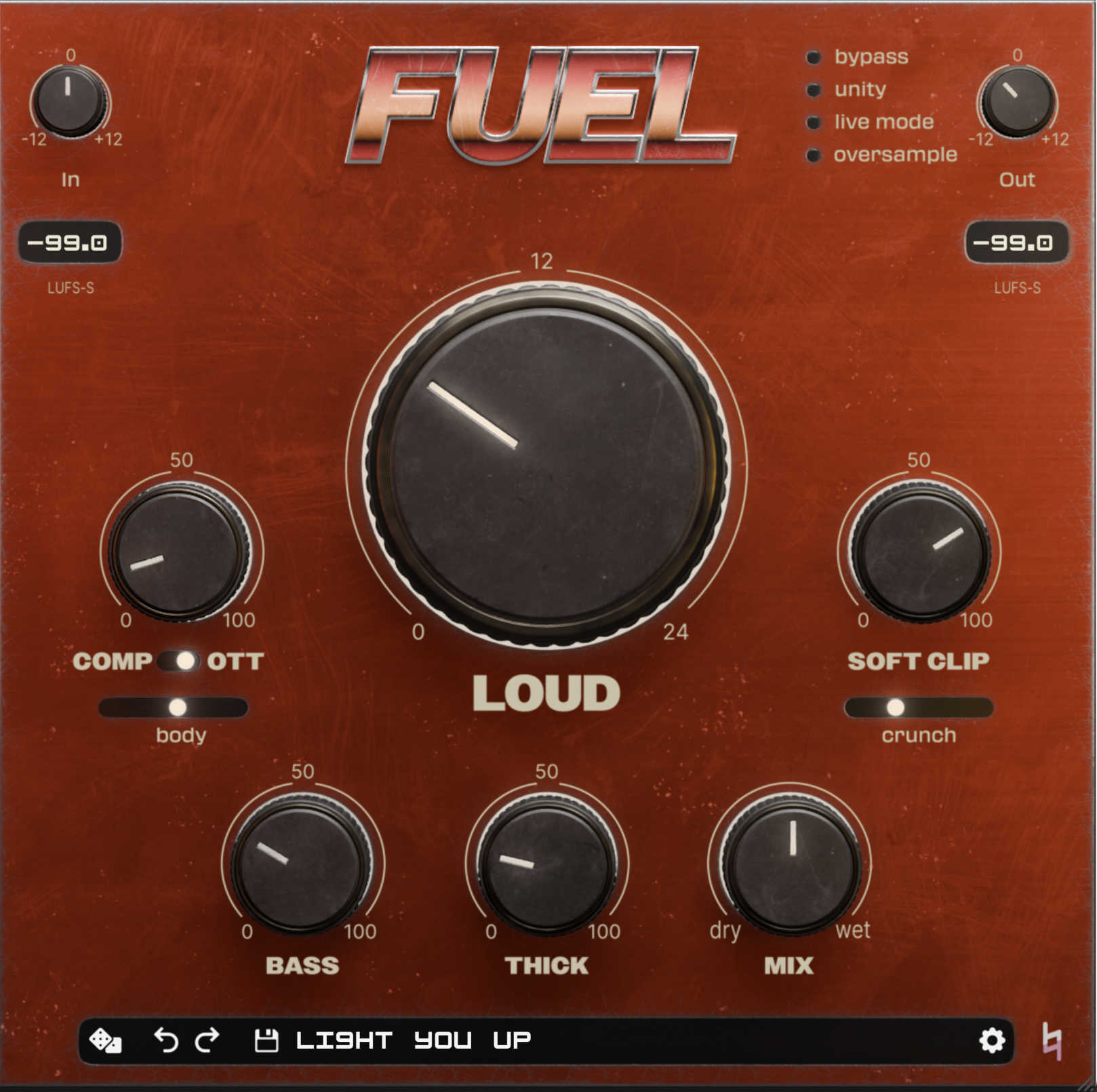



To date, I’ve written less about FUEL than our other plugins on this blog. It’s time to change that. FUEL is billed - and excels! - as a loudness maximizer. Got something in your mix that’s getting buried? Hit it with FUEL. Got a whole mix that needs a little more umph? Slap FUEL on your mix bus. Its controls range from super obvious (LOUD) to a little more opaque (body), giving you everything from sledgehammer-style actual volume to the kind of “perceived loudness” finesse that helps mixes translate and separates top-tier productions from demos.
I don’t want to talk about that today, though. FUEL delivers so well in its stated function that I think it can disguise what a Swiss Army Knife this plugin is. One of my favorite uses for FUEL these days is bass processing. Not only can it deliver a range of killer bass tones, from window-rattling subs to cutting grit, but it’s pretty close to the only plugin you need to get there.
Quickly: when people use the term “bass,” they might mean a frequency range, a drum, or any number of other instruments. When I say “bass,” I mean bass guitar, bass synth, pitched 808s - basically whatever is playing discernable notes and dominating the low end.
So where to start? Though we often recommend leading with the big knobs, I usually leave LOUD alone on bass. Assuming the bass was recorded at a healthy level, everything else I do with FUEL usually has me turning the bass down by the end - not because it’s too loud, but because that’s how well it cuts. So skip LOUD and start with COMP.
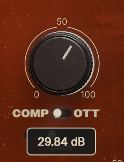
FUEL’s compressor is designed not to allow for too much gain reduction, so I’ll usually add a healthy amount. I find that OTT flattens bass a bit too much for bread-and-butter processing, but you may disagree. My recipe usually combines COMP with a touch of body (that’s upward compression) for the right amount of dynamic control.
From here, FUEL gives us a few flavors of saturation, which are all helpful in varying amounts depending on the vibe of the song. BASS gives weight to the low end - and just the low end - adding tasteful saturation around 80 Hz. For most bass parts, you can add a healthy dose here.
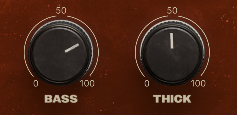
THICK adds broadband saturation that really makes the midrange pop, with a couple caveats. First, THICK also adds width. If your bass track is mono, this is a non-issue, but with a stereo bass synth, you might want to apply THICK gently. Second, the next control we’ll look at tends to exaggerate whatever you add here, so expect to dial THICK back later.
That next dial is SOFT CLIP. This gets you that classic, subtle-but-unmissable saturation a lot of vintage gear is known for. If your bass is struggling to cut through the mix, turn it up and… oh, yup, there it is! Sparkle, bite, presence - the stuff that makes a track feel louder without necessarily making it louder.
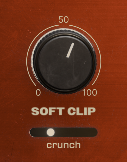
Below it, crunch is fuzzed-out distortion you hear right away. A little crunch goes a long way if you want some fur on your bass track. If you don’t, skip it entirely.
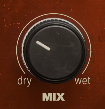
From here, I’ll dial back the MIX control and fine-tune the other knobs. SOFT CLIP and crunch make THICK really pop, though blending some dry signal back in softens the effect.
At the end of all this, my bass tracks will usually peak just a little louder (often less than 1 dB) than they did before FUEL, though the average and perceived loudness is another story. Just about the only thing FUEL doesn’t cover is basic EQ. Throw some of that on, do a bit of tone shaping and negotiation with the other instruments, and your bass is ready to roll.