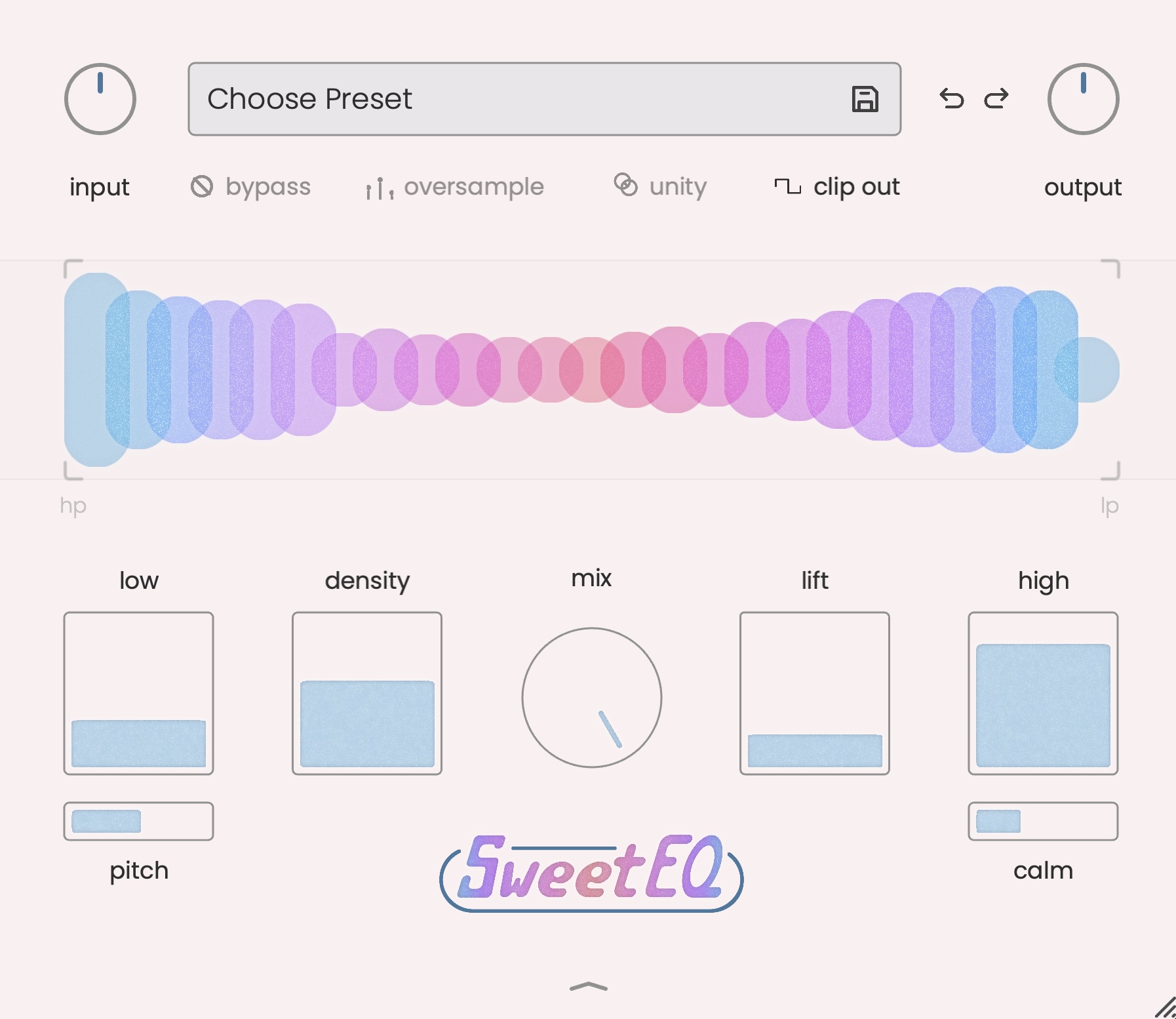



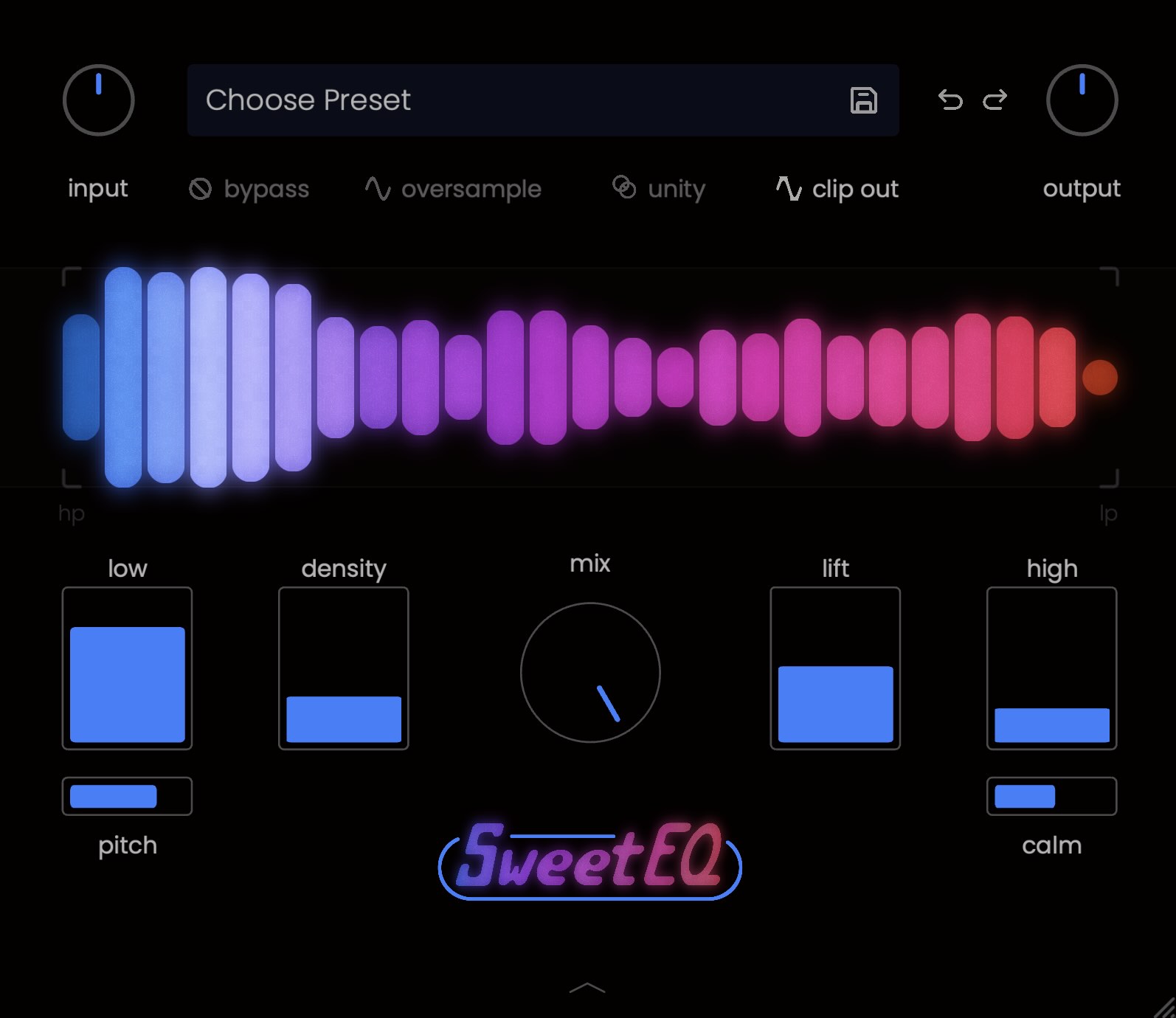

Today we roll out a monstrous update to SweetEQ. These new features make it 5x more versatile in your workflow, without affecting the ease and effortlessness we love (and know you do too). The update is free for owners of SweetEQ.
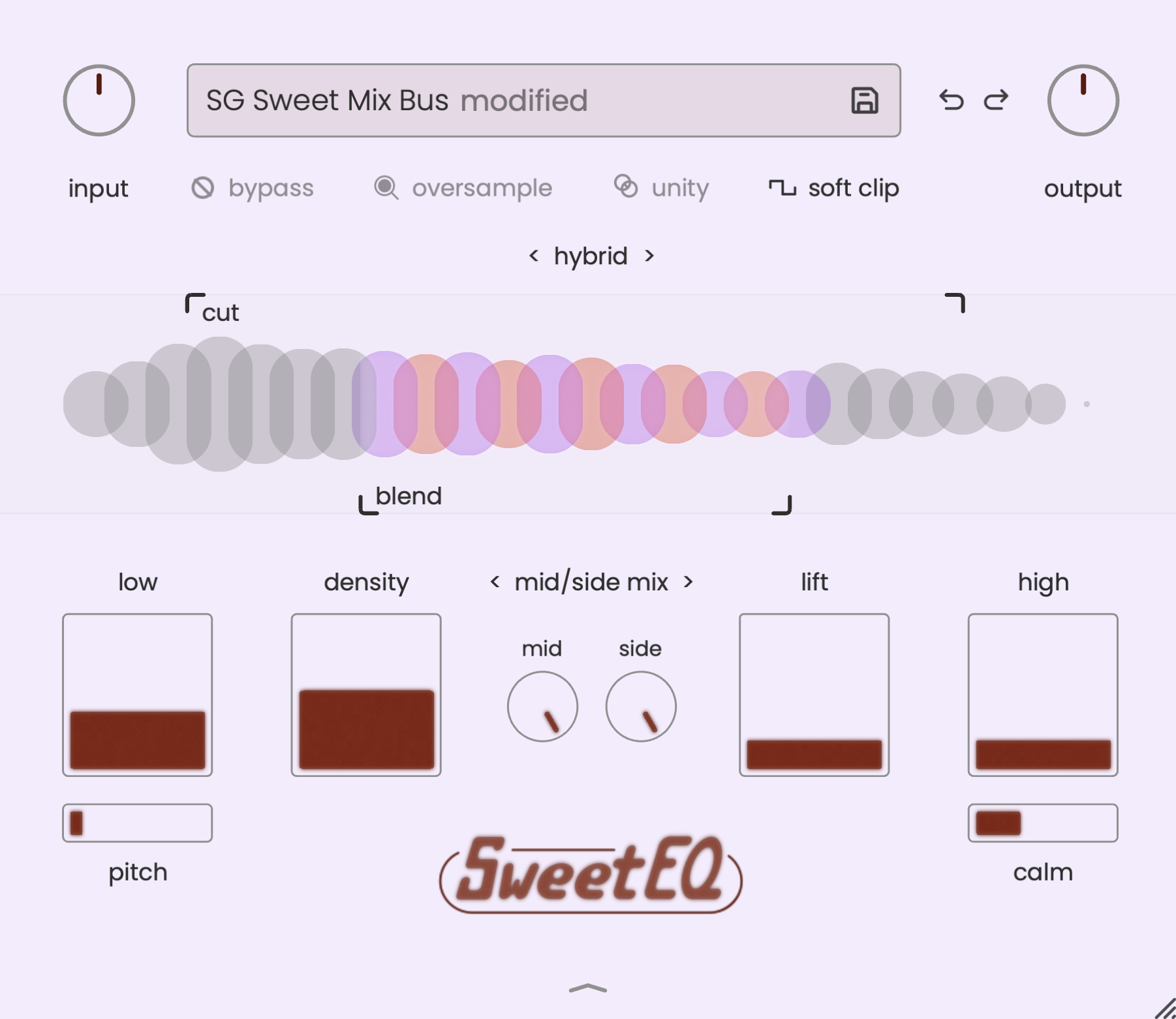
New Bandpass Filter Modes
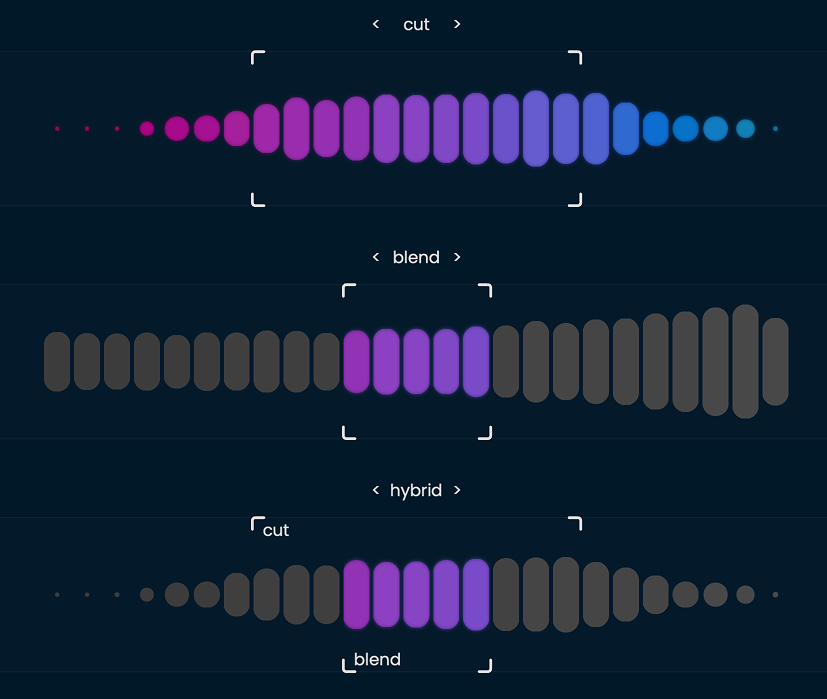
New filter modes can be accessed by clicking the 'filter' label:
- filter mode is the original sweetEQ filtering
- blend allows you to select the frequency range for all of SweetEQ's effects, so you can limit the range where SweetEQ does its processing without cutting the highs or lows out completely
- hybrid allows you to both cut and blend, but the cuts work slightly different than filter mode -- they are not affected by the dry/wet knob so that you can blend without undoing your high and low cuts
New Clip Out Modes
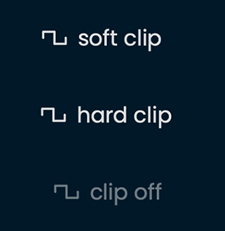
Clip Out now has three modes: soft clip, hard clip, and clip off for more flexibility. Continue to use soft clip to add slight edge to bass or on less aggressive material, use hard clip for brightness, or turn it off if you have a specific mix workflow.
Mid-Side Mix Mode
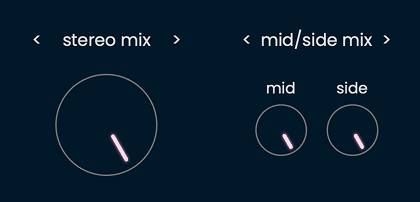
Mid/Side mix mode can be accessed by clicking "stereo mix" to toggle between stereo and mid/side. This allows you to blend in the processed signal to either the mono center or the side signal for soundstage effects or special cases.
Stereo Imaging
If the plugin instance is mono->stereo and you select mid/side mode, it creates a phase-coherent (mono-safe) stereo image when lifting the "side" knob. In this mode, "side" defaults to zero.
All of this processing is done in parallel, allowing you to tweak every knob, button, and slider without worrying about phasing issues, mono problems, or other lame gotchas.
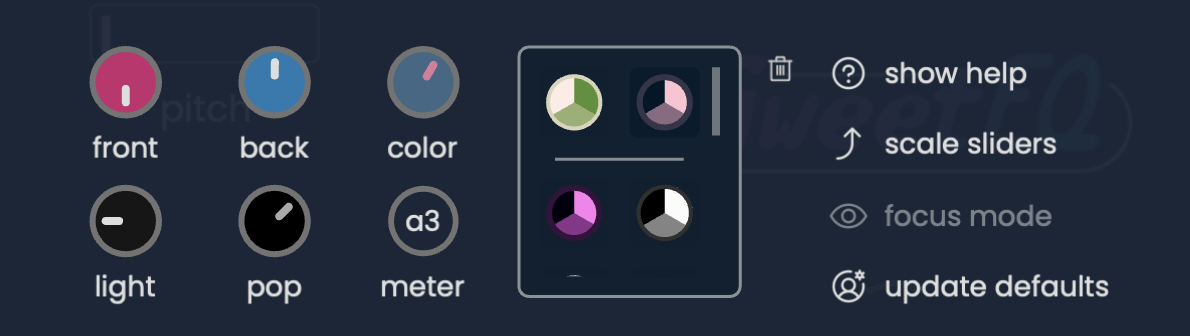
Color presets and browser
You can now access a small library of default colorways, and save your own for later use.
Free for owners of SweetEQ
If you already own (or are renting-to-own) SweetEQ, click the Update button in the bottom-right corner of SweetEQ to install the update. After running through and completing the installer steps, restart your DAW and reopen your project to use the latest version of SweetEQ.
All links, on the website and in emails from Musik Hack, point to the latest version.
Try again for free
If you’ve already tried SweetEQ, and are curious about these updates, you’re welcome to restart your unrestricted demo for another 10 days. Check your email for a demo extension link, or email us for assistance.