


I want to take a moment to shout out a helpful - but potentially easy-to-miss - feature of literally all of our plugins. Did you know that you can click the label on any control to bypass that process? If you’re a studious manual reader, you probably did; if your approach to plugins/audio/life is more “grip it and rip it,” you might not have! Either way, hopefully I can shed some light on how this little feature can be a useful part of your workflow.
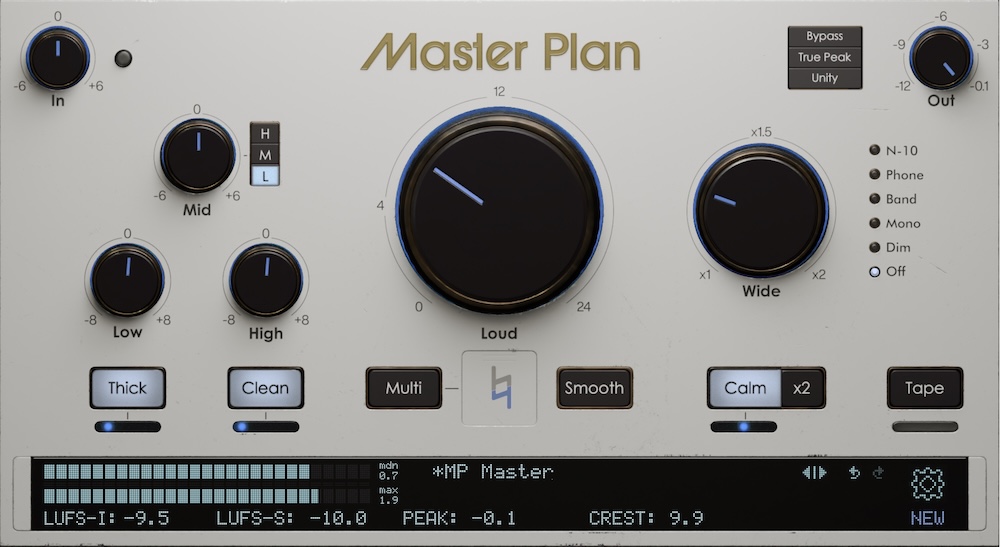
The most obvious application is selective A/Bing. I recently wrote about fine-tuning Master Plan’s Wide, and you might find this feature helpful when assessing how Wide is interacting with other settings - like EQ or Thick - that might disproportionately affect either the center or sides. Is Wide bringing out those shakers too much, or is that High? Toggle them both on and off to suss it out.
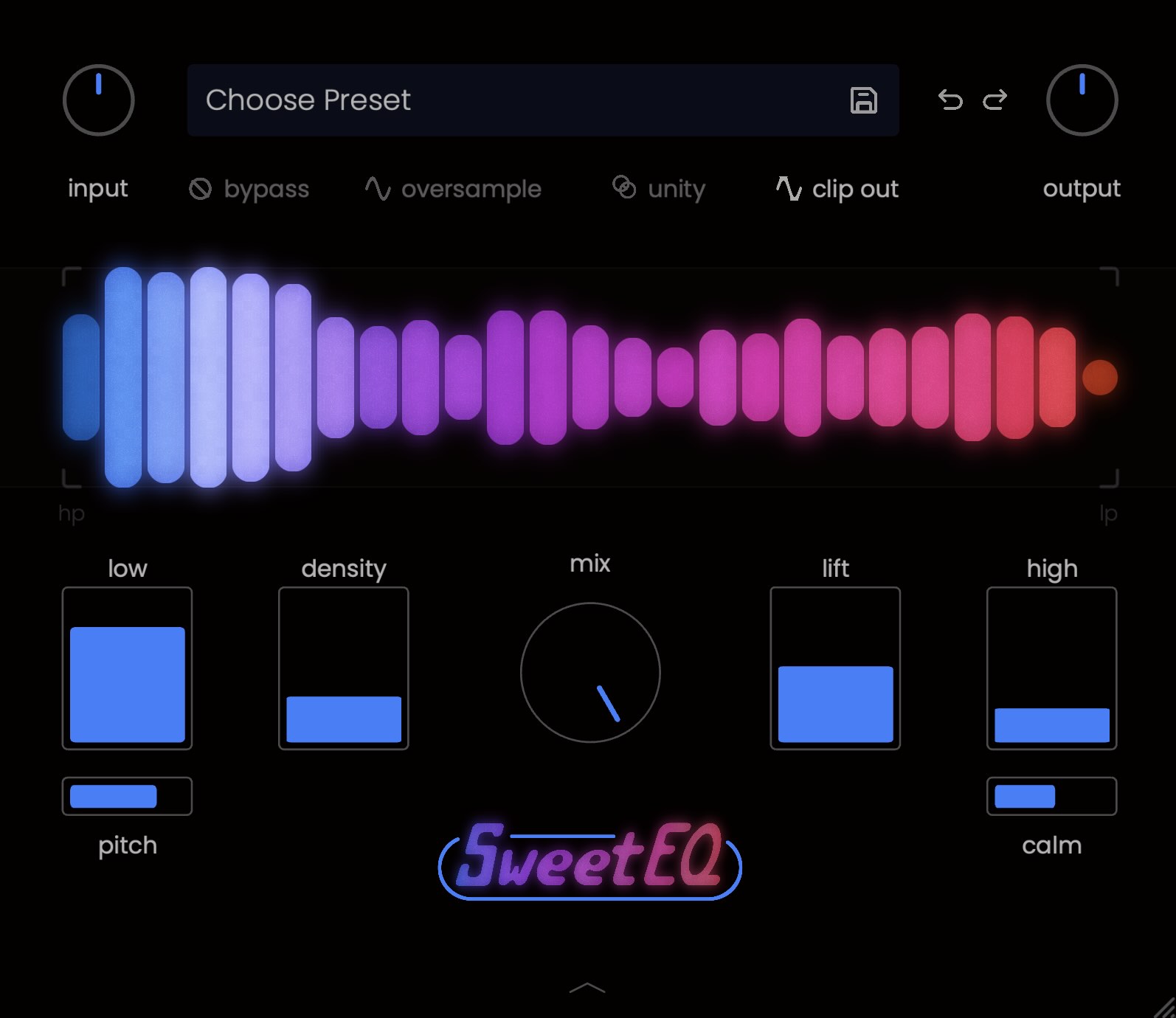
This application in SweetEQ is a little more straightforward - switch any of its four bands on or off, and see how they’re contributing to the overall EQ curve. In particular, density might overlap with both low and lift in a way that makes it redundant or even detrimental. And while you’re clicking on stuff, try clicking on the name “SweetEQ” at the bottom of the window to sample some cool alternate color schemes.
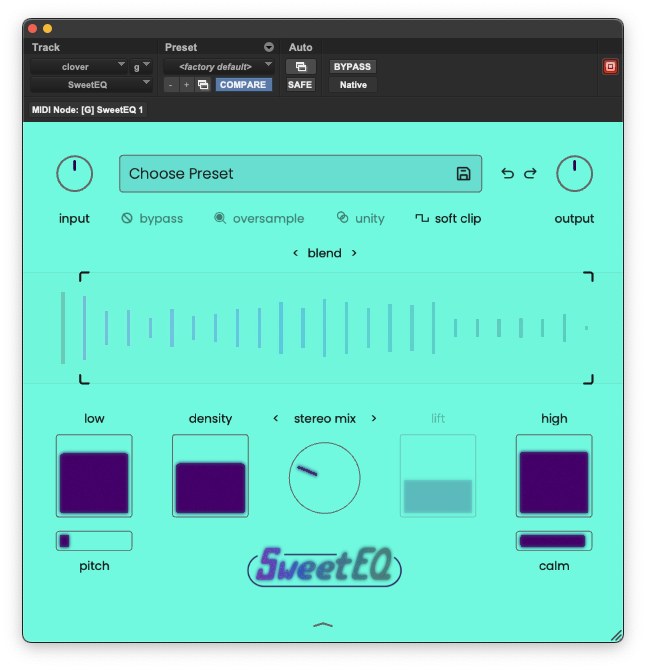
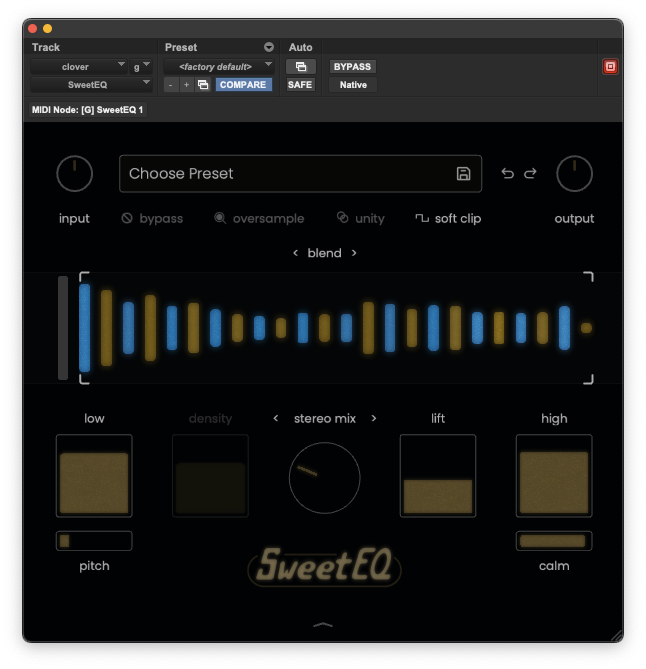
Where this feature really stands out, in my opinion, is in combination with the Unity button (they’ve all got that, too). Unity is a great way to assess whether your settings are really making things better, or just louder. This is true globally, but it’s also helpful for individual controls, especially ones likely to boost loudness.
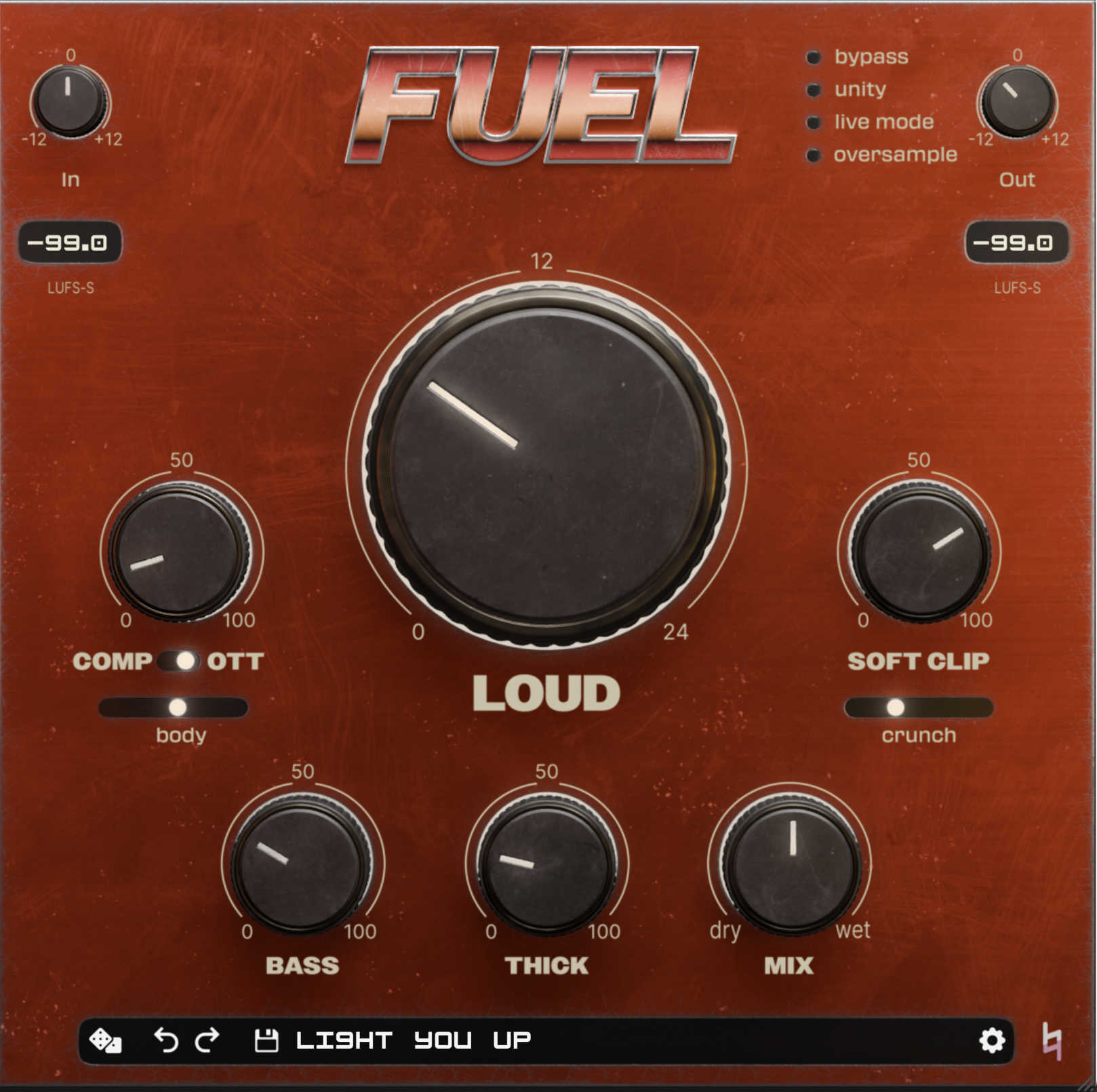
FUEL is probably the best case study here. FUEL is an especially deep multi-tool, with several flavors of saturation and compression that all bring overall levels up. Though controls like SOFT CLIP and THICK do enhance loudness as a feature, not a bug, they also have tonal qualities to consider. Toggling them off and on with unity selected will make it clear whether you like what they’re doing aside from cranking things up.
The most interesting instance of the Unity/label bypass combo might be hiding in plain sight, with Master Plan’s main Loud knob. Much digital ink has been spilled - including by me - about the “correct” loudness target for mastering. The short version is: there is no one number. Master to where it sounds the best. But what does that even mean - doesn’t louder just sound better?
Well, it turns out, not really! If you crank Loud with Unity engaged, you’ll start to hear the sonic benefits of pushing a limiter without the actual loudness. Keep cranking it, and eventually those benefits will morph into drawbacks, as the sound becomes dull, flat, and distorted. Toggle Loud off and on once you get there and hear the difference. Use that as a guide for finding the sweet spot, where the loudness is actually helping your mix.
All of our plugins are pretty feature-rich. They’re meant to be modern tools that encourage diverse, creative approaches. With so much sonic control at your fingertips, it's important to pause every once in a while to check your work. So take a beat, click those labels off and on, and mix with confidence.