


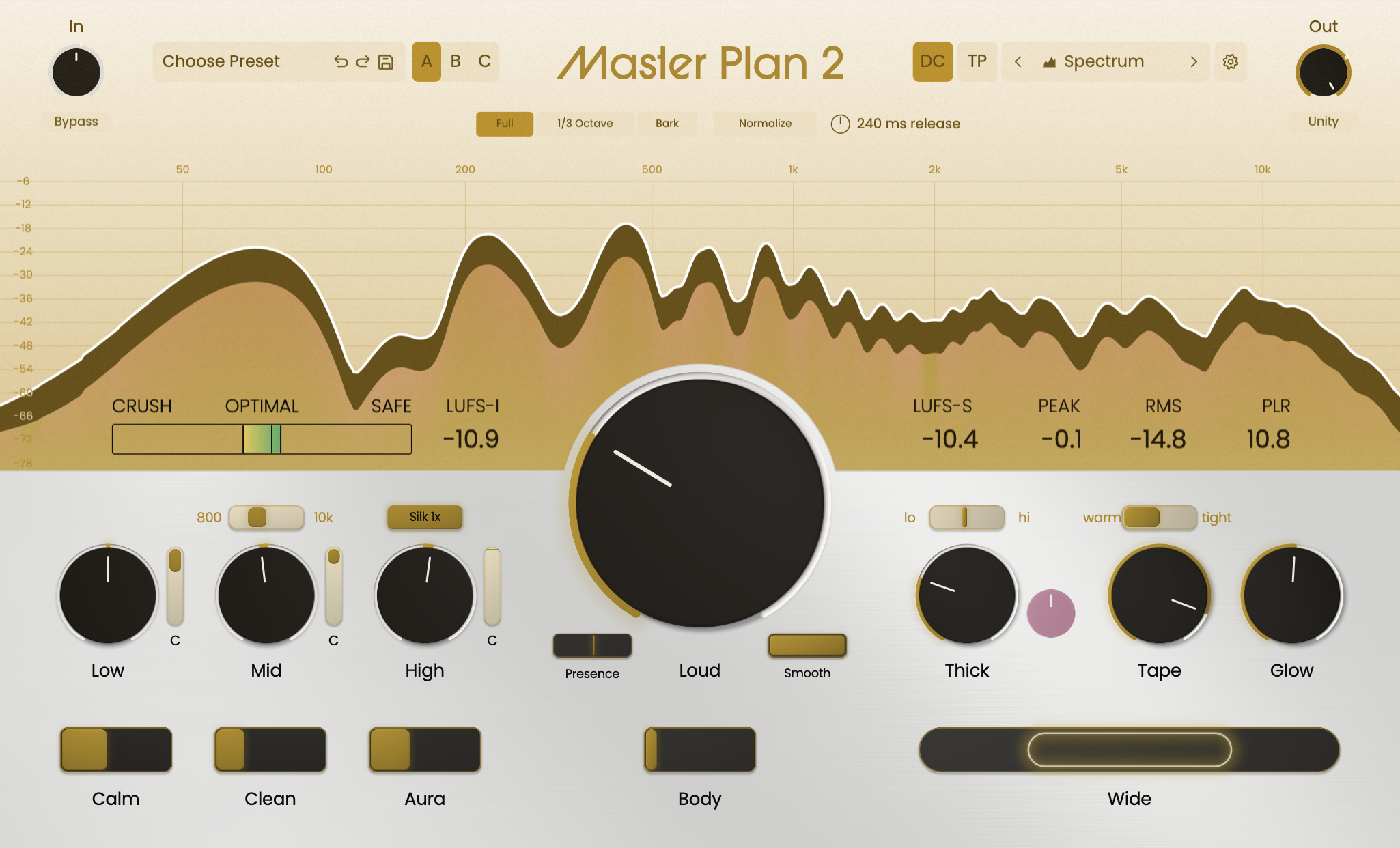
We released Master Plan almost four years ago. We knew it sounded amazing. We knew it was straightforward to get that amazing sound without twiddling forever. What we didn’t know was that by the end of the year, we’d be in major studios all over the world, on the templates of producers and mixers that make the most listened to music on the planet.
Between then and now, I spent a lot of time researching the cutting edge of saturation, filters, analysis, and other DSP for new products, but was always in the background talking to Stan about how we could take this research and apply it to the next iteration of Master Plan.
What you see and hear today is a tool we’re extremely proud of, pulling all that together into a single package with all the circuits you need to bring out the absolute best out of your mix: to push it as loud as you want, to finesse it as clear as you want, to give it just the right touch of bounce, grit, life, and soundstage… whatever it takes to elevate that mix until you hear every last bit.
-Sam
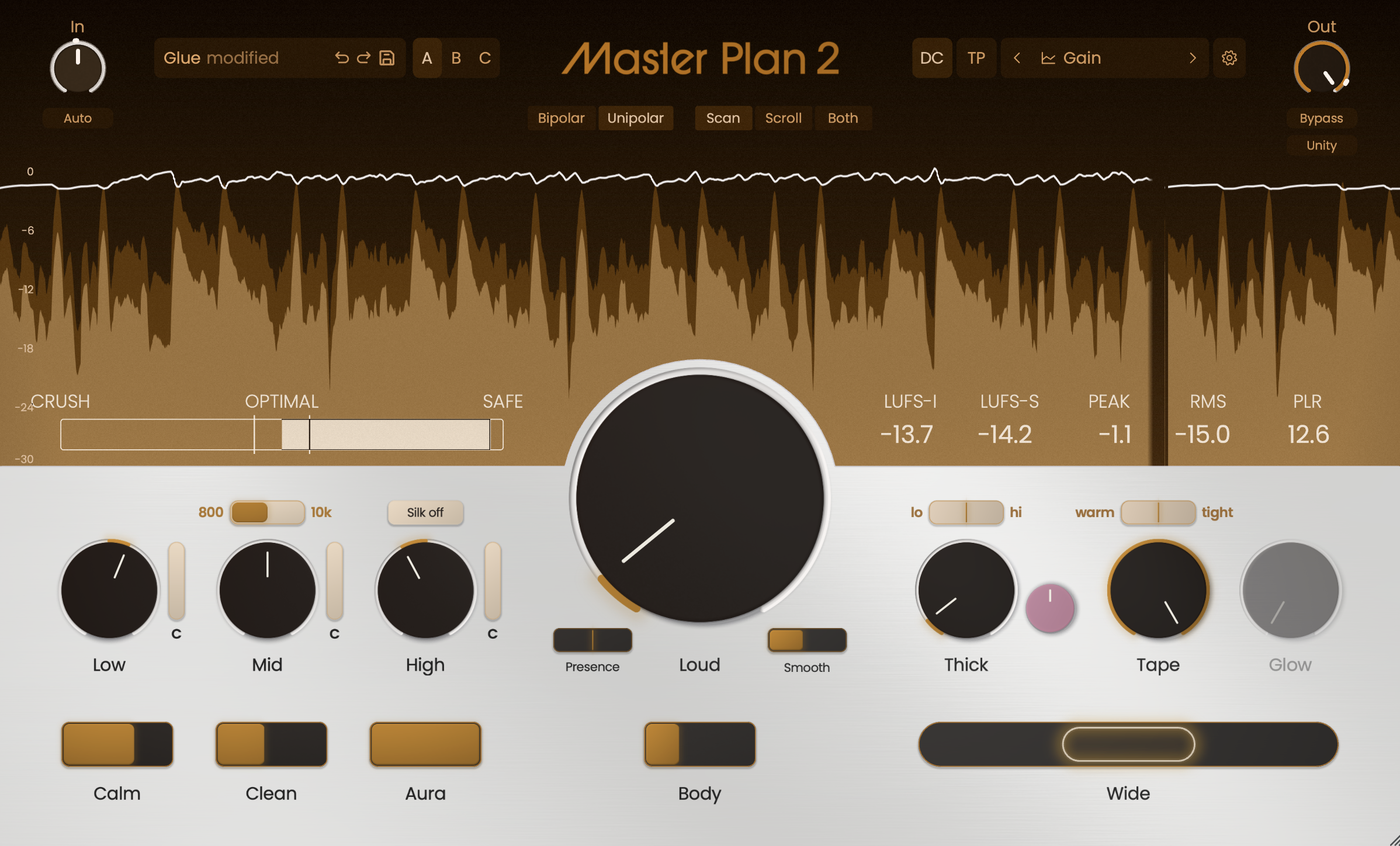
Limiter 2.0: Our New & Improved Loud Circuit
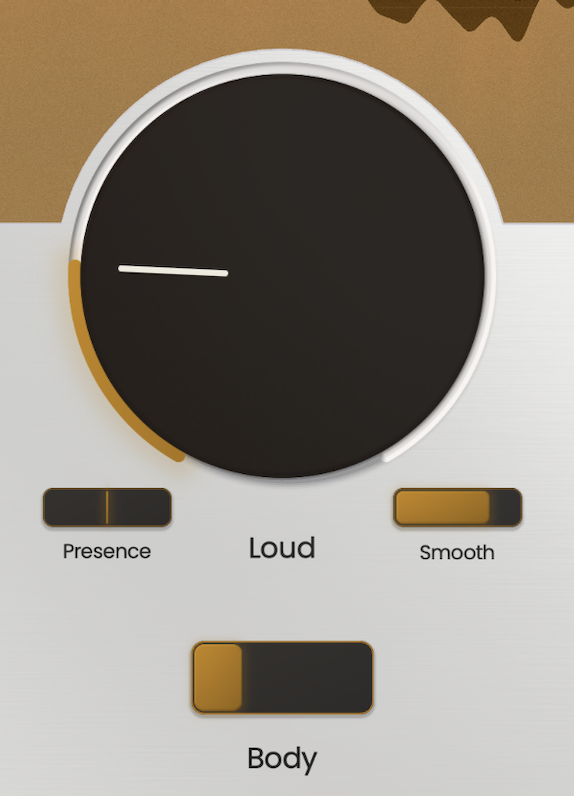
We've made cutting-edge improvements to every part of the Loud circuit. If you liked it in the original Master Plan, prepare to be blown away.
- More loudness, same punch: Refined limiter and clipper algorithms deliver more level while preserving the punch and low end of the mix.
- Presence circuit: Add more bite or soften the feel of the limiter.
- Body: Bring quieter elements forward to increase perceived density and loudness.
- Fine-tuned smooth compression: More control over exactly how much mastering-grade compression a mix receives.
- Improved True Peak: An industry-standard True Peak circuit with greater transparency and even more usable loudness than before.
New Sound-Shaping Tools
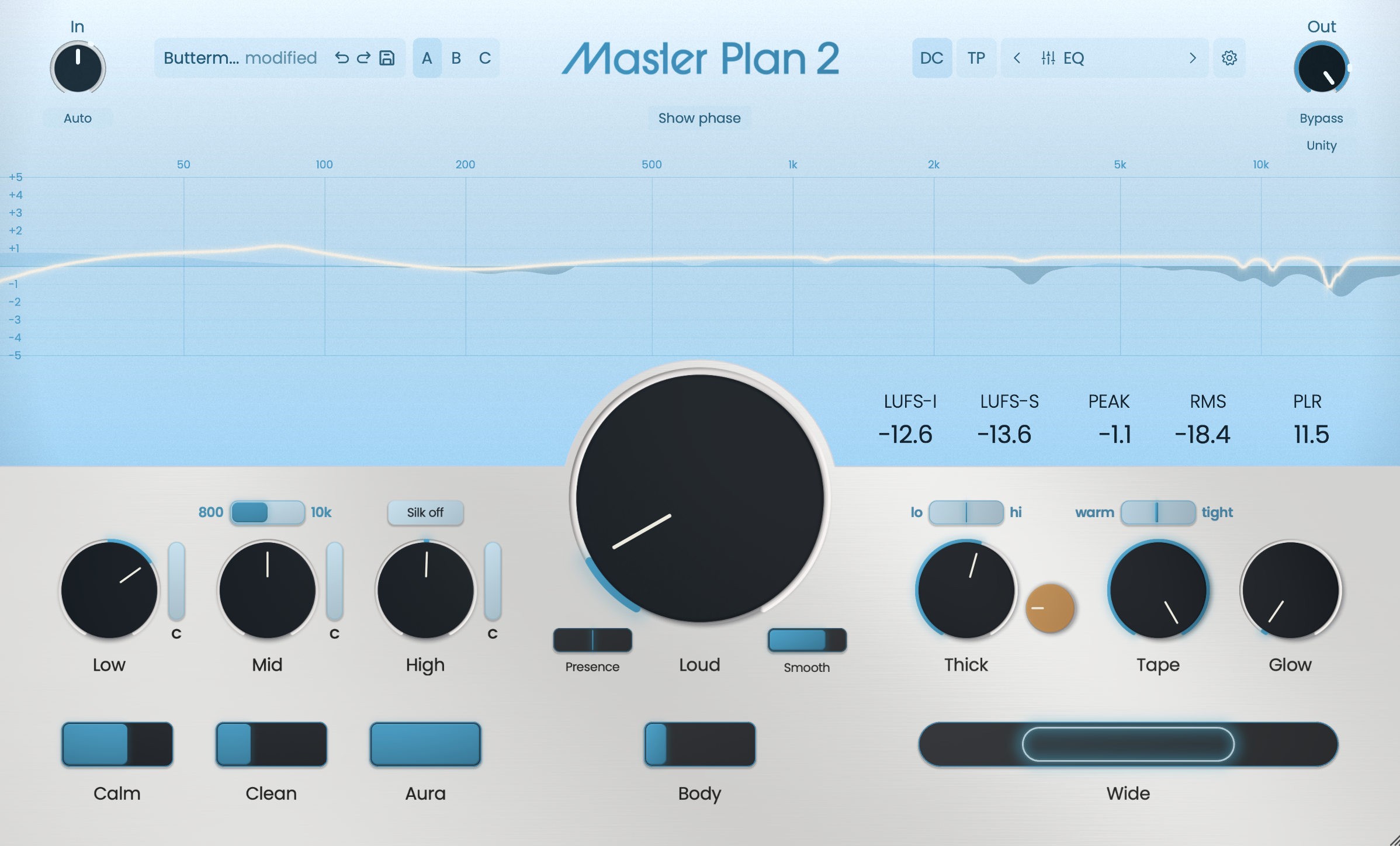
- Targeted Saturation: Blend between four saturation flavors, including the signature Thick circuit, and target the effect where it is needed.
- Glow: A new circuit that adds cohesion and helps the whole mix feel more connected.
- Aura: Dial Master Plan's signature color up or down.
- Silk: Analog-inspired high-frequency saturation for added sheen, air, and dimension.
- Auto-Input-Leveling: Automatically sets the mix to the optimal input level.
- Low Latency Mode: Switches all circuits to low-latency versions for live tracking and performance.
Refined Core Processing
- Custom-refined EQ: Low, Mid, and High EQ circuits refined for highly accurate phase and frequency response.
- Overhauled Multipressor: Redesigned for near-linear phase performance without pre-ringing.
- Dynamic Calm: New dynamic resonance-suppressing filters tame harshness and buildup with special filters that resist phase distortion during movement.
- Tape Intensity: Independent control of both the amount and flavor of Tape saturation.
- Better oversampling and ADAA anti-aliasing: Cleaner nonlinear processing using novel ADAA processing that doesn't require compesnation filters.
- Latency-compensated Bypass: More accurate A/B comparisons.
- LUFS-matched Unity: Compare at matched loudness so louder doesn't automatically sound better.
Meter Overhaul
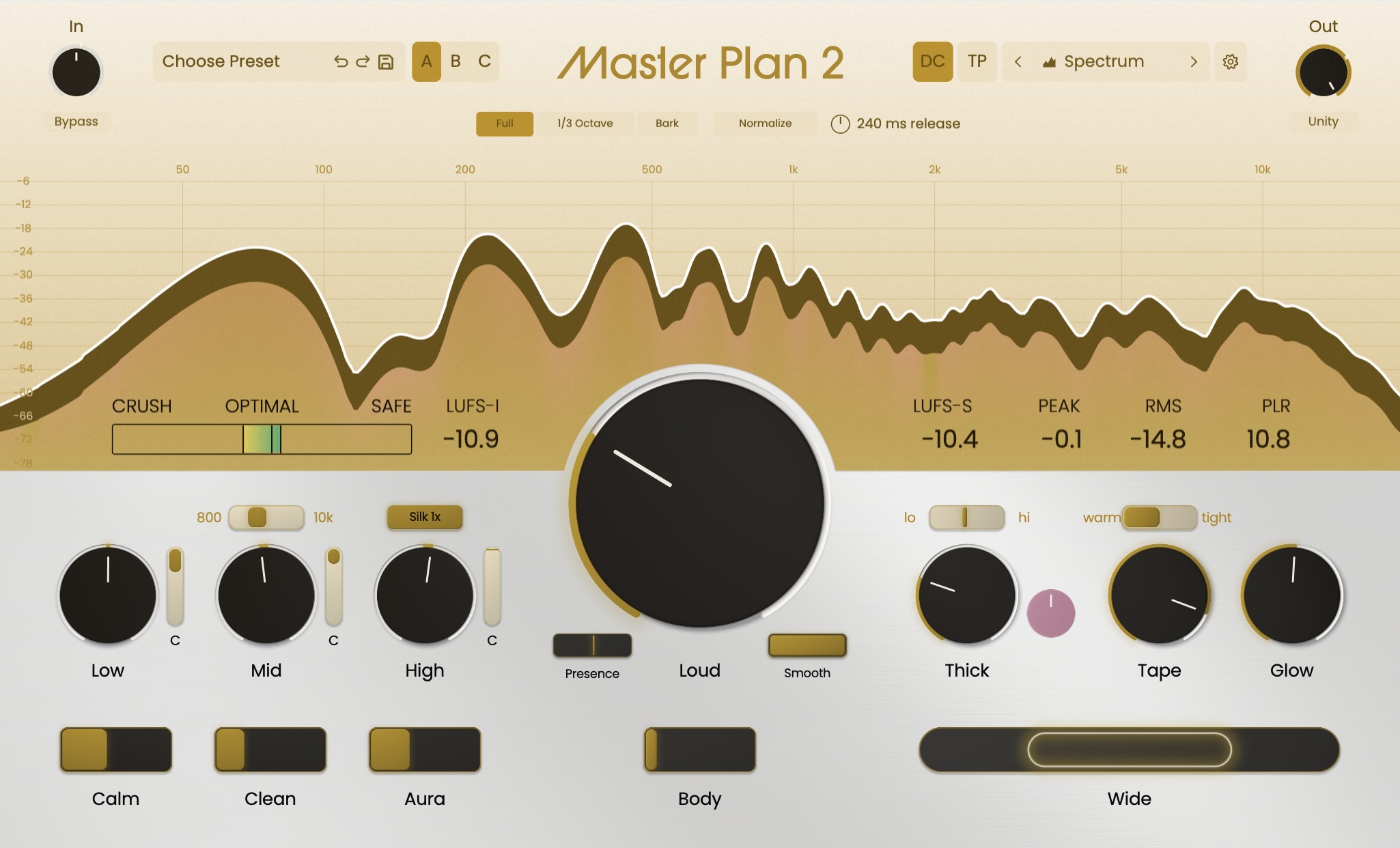
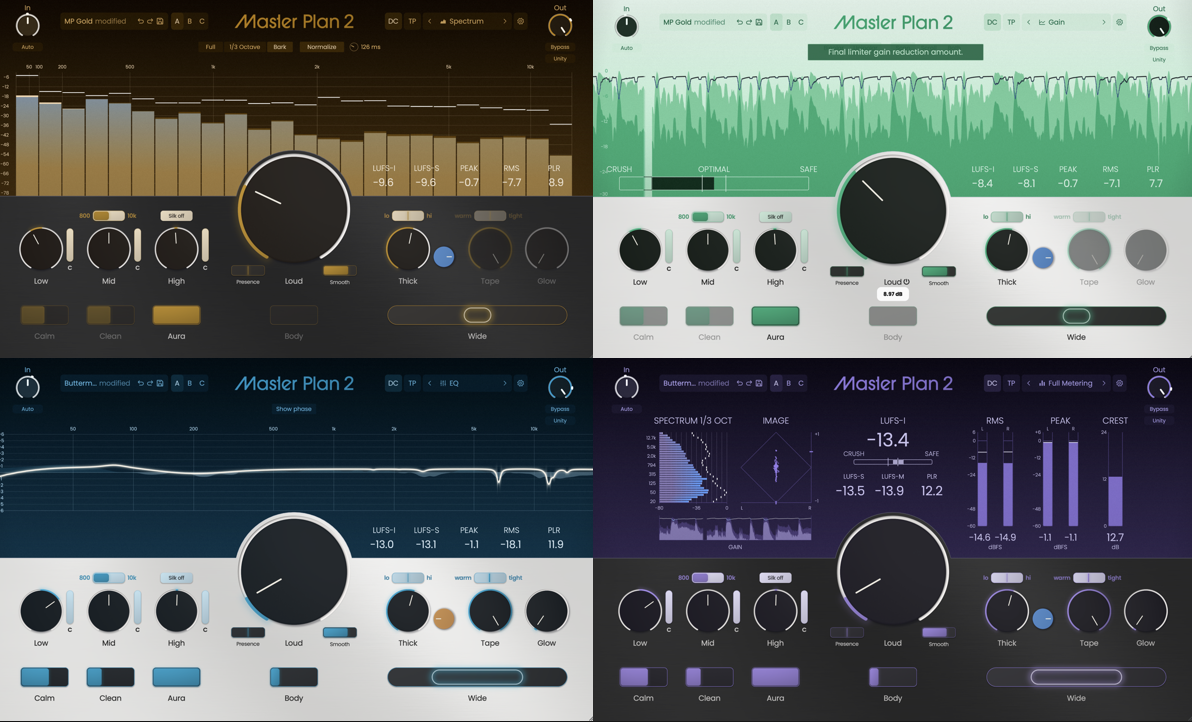
One of our single largest pieces of feedback from the original Master Plan was the need for meters, and now we've got them! New Gain, Spectral, EQ and Imaging views show you what Master Plan is doing to the mix while you work.
- Spectral: See where the saturation and overall levels change across the frequency spectrum
- EQ: See how your frequency balance changes from input to output and watch dynamic processing react in real time
- Gain: A familiar mastering loudness view, with a difference meter that shows exactly how much you’re adding
- Full Metering: See all your meters at a glance, including Image, Spectrum, Gain, and other critical readings
- Ears Only: Turn off the visual feedback and trust what matters most. Your ears.
A New Workflow
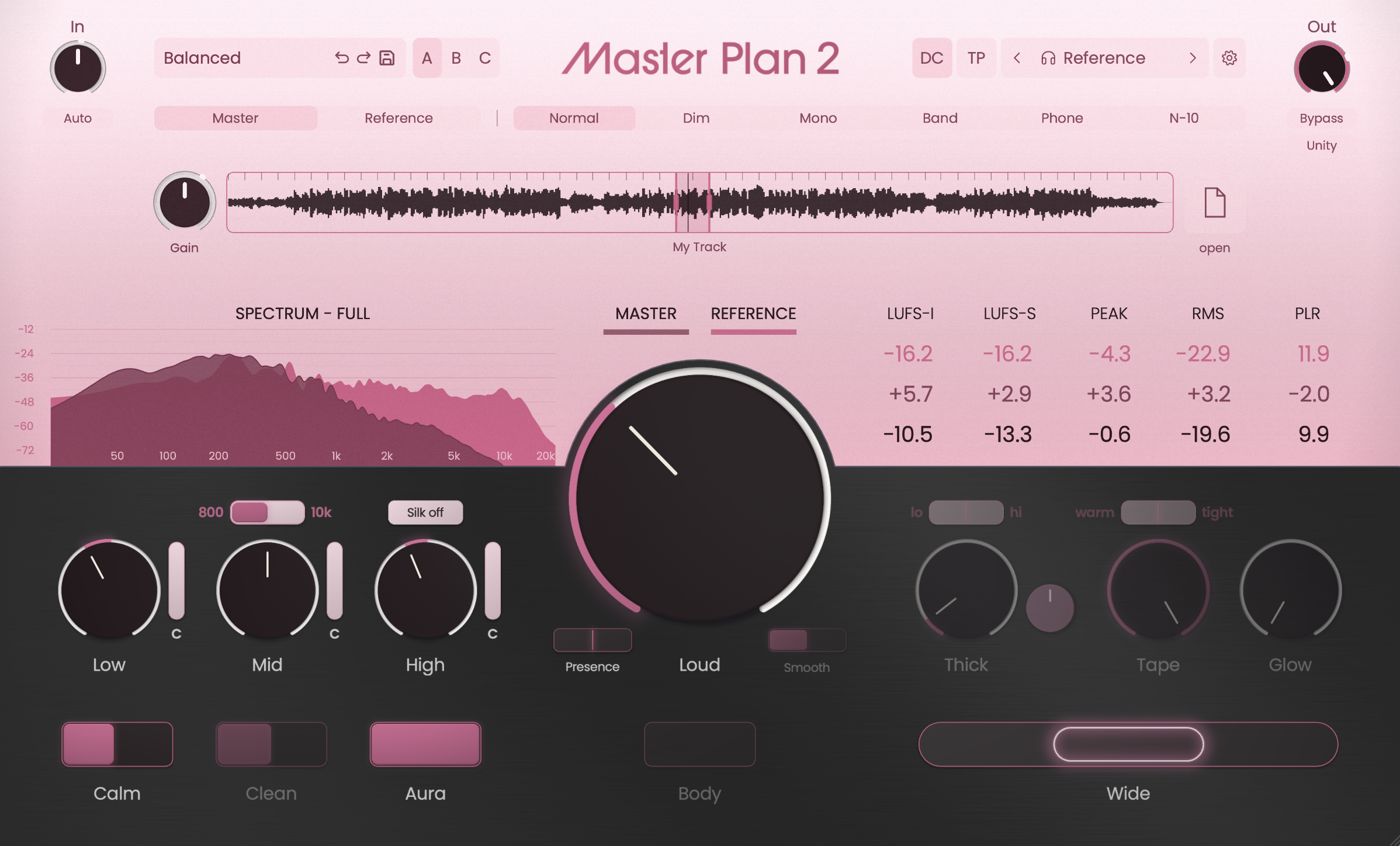
Master Plan 2 is packed with tons of thoughtful new features that make it a fully-customizable modern mastering workflow. We've included a new Reference Track comparison area, overhauled settings, UI overhaul, and custom look & feel.
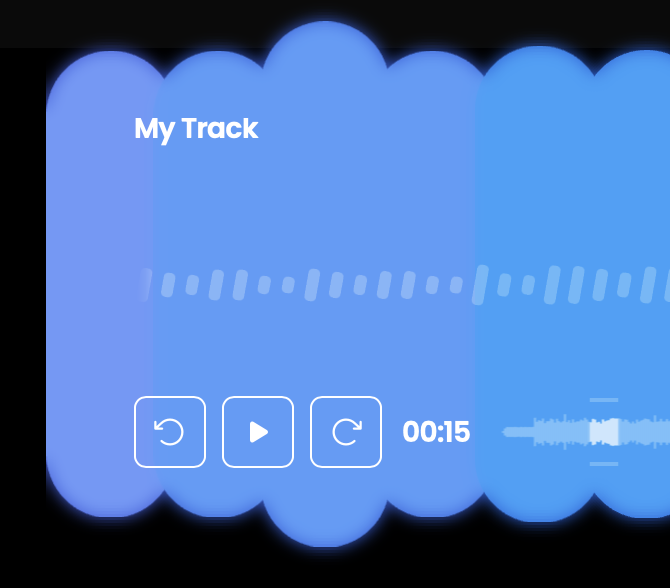
- Reference track comparison: Drop in a reference track and compare it directly against the master without leaving the plugin. Automatic beat detection makes looping sections fast and easy.
- Snapshots: Save up to three different Master Plan settings and automate between them, so the verse, chorus, bridge, or any section can have its own master. Or, use them to blind-test master variations.
- Overhauled UI and settings: Theme colors, light and dark modes, and deeper workflow options.
- Legacy Mode: The complete Master Plan 1 signal chain remains available at any time for users who love the original.
- Hotkeys & Shortcuts: We've added unobtrusive shortcuts that fit any workflow. For an exhaustive list, check out the 'The Moves' section of the manual.