Do you go out of your way to listen to Atmos mixes? Do you intentionally turn it off? How about your music-listening friends and family? How about that thing on your iPhone that makes the music move around when you tilt your head?
I’m really curious, because I’m going to go down a rabbit hole into a lot of thoughts I’ve had about Atmos over its run since about 2021 in music. I was really curious when Dolby and Apple announced its inclusion in the Apple Music ecosystem, because, quite frankly, nobody I talked to up to that point had expressed how disappointed they were that surround formats were not more adopted for mixing. Okay, I suppose I knew a few people who expressed this for concerts, and I definitely understand what they wanted. But tracking a sound object in space mostly seemed like an academic exercise to me.
Speaking of which, I studied at UCSB starting in 2000 where the Creatophone was becoming a thing, worked on a lot of quadraphonic systems after hearing about how LPs tried to take that route in the 1970s (anybody have the “true stereo” version of Sly and the Family Stone greatest hits?) studied a bit of Ambisonics, and had a hell of a Mecca to the alternate reality of multichannel audio at the Audium Theatre of Sound in SF. I loved playing with this stuff deeply. But despite all that, I could never find a reliable way to play anything for anybody outside the academy, because despite systems being around for surround sound for movies easily back into the 90s, there was never a widely adopted multichannel format that made any sense for randos like me and their casual music listening buddies, so I gave up.
Then, seemingly suddenly, this mad push from Dolby and Apple. This push wasn’t some fly-by-night thing: it came with incentives. I started hearing out of everywhere that your track would have a higher chance of being pushed by Apple if it had an Atmos mix. More likely to come up randomly. More likely to end up on playlists. Royalty bonuses. Mixing engineers left and right started popping up Atmos setups, advertising Atmos mixes as pack-ins or specialty services to their clients, and a whole new industry was born. At the front of it, I still couldn’t listen to any of these mixes, so I kinda ignored it.
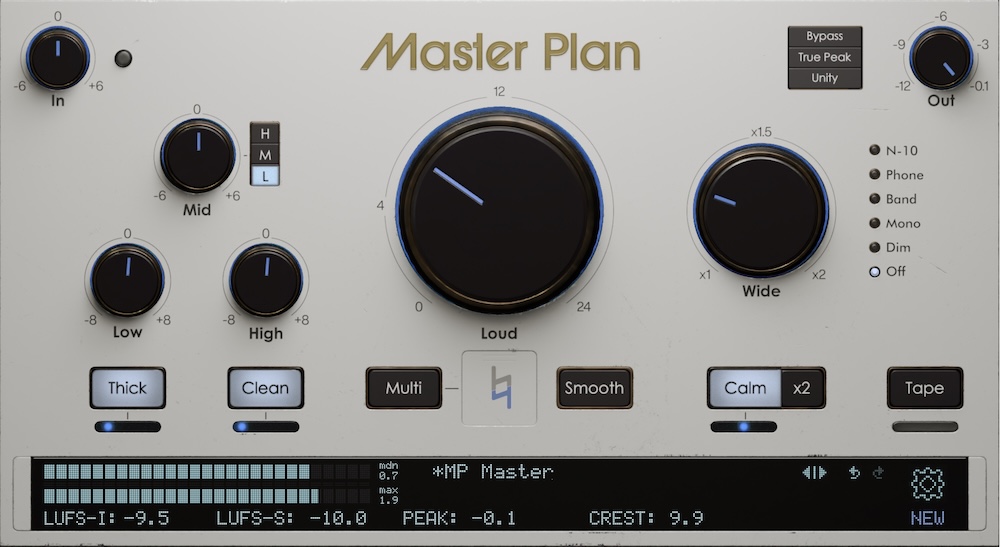
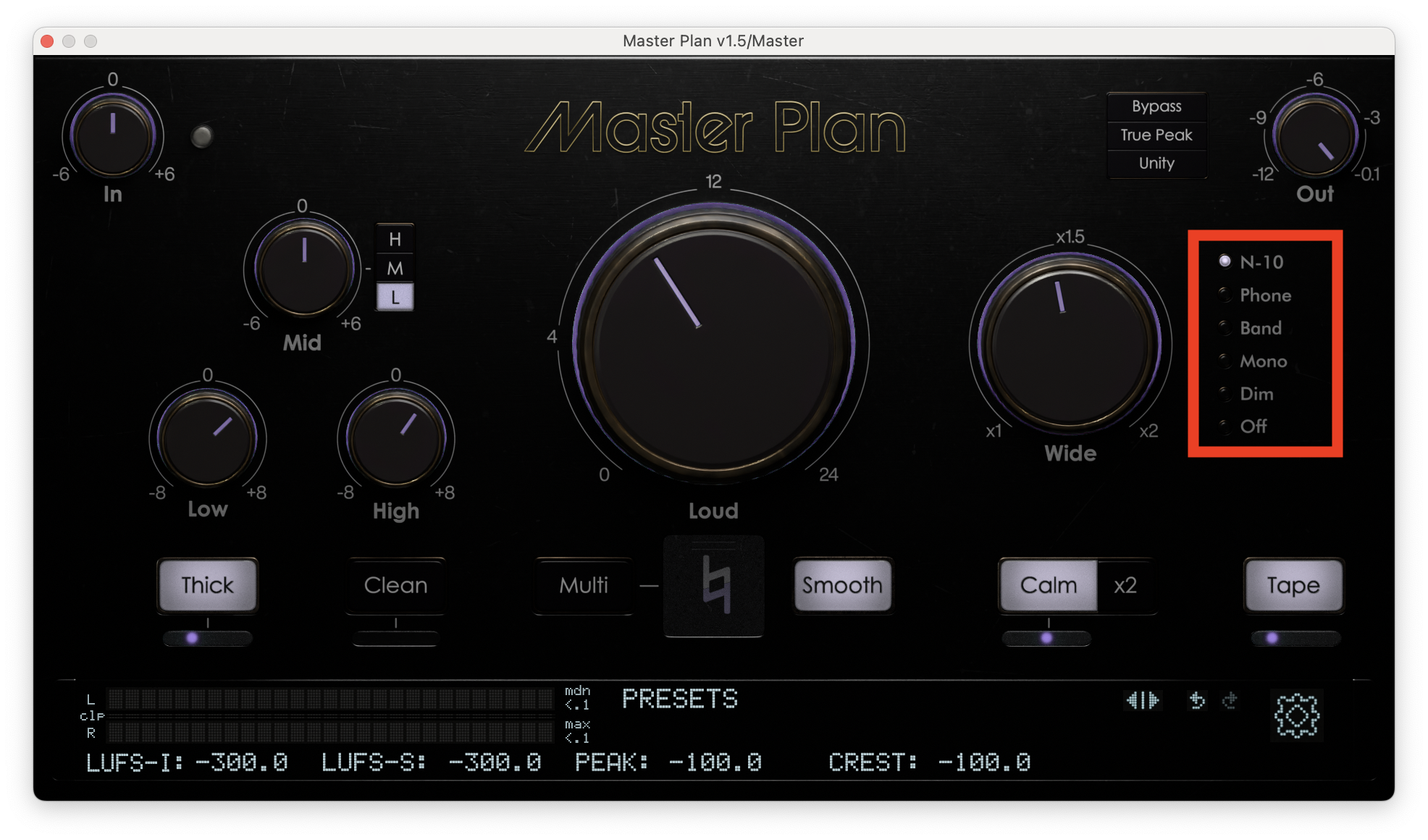
Not too long after we released Master Plan, Stan and I visited a talented guy out in Apple Valley, CA named Alex Solano, who I’m worried is going to rip me for writing this piece. But this visit was a pivotal moment for me in understanding where I sat on the issue of mass market multichannel music. We headed out there, grabbed some fish tacos, then jumped to the studio. It wasn’t a large room, but it was very well appointed and sounded excellent. He had it calibrated by a specialist from Dolby named Bryan Pennington (look him up, he was deeply involved in Atmos from the beginning).
In any case, Alex is a talented Atmos mixer and a big advocate for the format. He was bringing us out because he liked Master Plan and wanted us to consider being evangelists too, presumably by making products to help Atmos mixers. It started with a playlist of tracks that had, for lack of a better word, been taken to Atmos chop shops. You see, all these incentives created a lot of opportunities, which created a glut of inexperienced Atmos mixers at a time when mixing techniques for the format were the Wild West (they still kind of are). The result was very, very bad mixes of even incredibly massive hits. In one of them, the vocal was mistakenly mixed into the center and left channel instead of left and right ghost stereo. Terrible phasing problems. Really weird, left uncorrected for a few years. Limp mixes without punch. If you’ve ever heard stereo mix engineers kvetch about what happens to their work remixed in Atmos, it’s probably something like this, or how the increased difficulty to get bus processing done “right” in Atmos hurts impact, glue, and loudness that they were so proud of in stereo.
But Alex is a clever showman, and this was all a setup to play us his best work, and prove this is *not* true of the format in general.
We sat in a carefully positioned chair in the sweet spot in the studio, and were told where our head should be. Only one of us at a time. We took turns listening to mix after mix, and goddamn, it was a really amazing experience. In all my listening, I hadn’t heard real professional polish on multichannel stuff. It was always for academic or exploratory weirdo riffs. I was floored. But if I moved my head too far one way, I’d get an immediate correction from our host. Drift from the sweet spot, and the illusion falls apart (at first a little, then a lot). Herein lies the rub:
There was not then, and there still is not now, a decent listening system that a typical consumer can install themselves at home that provides an experience even close to what I heard in that studio. I have never heard the image come together in remotely the same way. These are not “muddy soundstage” kind of problems, they are a total loss of the illusion, as if the mix may as well be in stereo! The closest I’ve gotten is the AirPods Max, which uses some kind of HRTF, isn’t great by default, and is only marginally improved if you take extra time to calibrate it in your iPhone settings (most people don’t even know this exists). People have a hard enough time setting up stereo or Pro Logic speakers competently at home, let alone one that requires any kind of precision, so the best you’re gonna get in the vast majority of homes is a sound bar. If that’s what you’re using, it’s not a revelation above surround, if it’s even better than stereo: you sacrifice a lot for whatever spatial benefit you get.
It’s a classic “precision vs. accuracy” thing going on here. If you’re using Atmos bed mixing at 5.1 or below, this doesn’t apply as much, but in that case, Atmos isn’t a huge difference from 1990’s Pro Logic. If you’re precisely mixing discrete objects and effects in space, or using the overheads, the likelihood that your listener’s playback system is remotely capable of expressing your intent is dead in the water. You can get a decent stereo image in all kinds of subpar speaker setups, subpar equipment, subpar rooms, because it’s only trying to be so precise. And in classic surround or Atmos 5.1, we’re really only saying that the sound is “kinda over there,” meaning while it takes some more care, it’s still possible to get a pretty good outcome with a somewhat loosey-goosey setup, though honestly I’ve never heard a decent 5.1 setup at any of my acquaintance’s houses either. The precision implied by Atmos is not realistically reproducible in consumer systems, and even the professional ones require careful calibration. Does the average Apple Music listener do any of that? Enough to punish tracks that don’t use Atmos?
If the vast majority of all listeners on the planet can’t even get a system together that’s worthwhile for Atmos, except for okay, very expensive headphones, and if nobody in the last several years in my circle has lamented about this, why is it so important to get almost all music mixed in this way? Mixers can’t even keep ahead of these technological changes: Apple has already moved on to their own proprietary format, so has Sony, and there isn’t an ergonomic way to make sure your spatial mix is going to sound great on all of them or that they’ll stay where they are. That means even the story for format consolidation to drive quality has disintegrated. One of the stated reasons for custom formats is Apple’s insistence on technology that moves the sound with your head. I don’t know about you, but that’s the first thing I turn off on any new Apple device. Which leads me to another point.
The shift to Atmos wasn’t far from the sudden urgency given to the Apple Vision Pro, or more widely, the Metaverse. These technologies need new media libraries to support their case, their promise, or there is little incentive to buy them (in any case, did you?) My very strong inclination is that these incentives were created for this purpose (and then later to sell headphones) The system pushing Atmos to sell new hardware pulled in a whole economy of mixers and engineers for the engine, a whole lot of momentum. And, to them, they can get it to sound amazing in their controlled environments, just like I could in the academy. That is, if they’re good and not just jumping on the bandwagon. To mixing engineers, it’s expressive, it’s interesting, it’s FUN. The streaming service incentives become self-perpetuating, and the engineers that got pulled into this thing have to keep going or what else would they do? But, every time I hear from A&R or artists who want to get on the Atmos bandwagon, it’s never about sonics or creative vision or expression. Every single time, they tell me it’s about the incentives. I’d bet that’s not true for everybody, but anecdotally, boy is that scale slanted.
Which leads me to my final point: as things stand now, Atmos music is for engineers. It’s cutting edge. It’s interesting and complicated and new. You can perform wonky, impressive mixing techniques that sound beautifully expressive on cool, rare systems. It “disrupts.” It brags about technical superiority, it creates industry. Despite all this work and investment and infrastructure, do my audiophile stepdad, my wife, my friends, the tastemakers in my life, or even the artists I talk to ever tell me about Atmos changing their listening or creative experience? No. But they have asked me how to turn it off.
AFTERWARD
Before putting up this essay, I reached out to Alex Solano and shared it with him. He thanked me for the heads up and offered some notes. First of all, Atmos not only created a sustainable career for him starting in 2021, it was his entry into mixing for labels. I’d say that’s because he found his calling; it’s a legitimately new expressive medium that he’s good at! Then, a bit to my surprise, he considered what I had written and added some thoughts that support the thesis here: in many Dolby Atmos studios, there is literally an "X" mark on the floor to indicate the sweet spot for listening. It’s important to know that this “sweet spot” phenomenon isn’t unique to some particular type of studio. There’s also an interview where Chris Lord-Alge says, “The big problem with Atmos is that no matter what, no one gets to hear it how [I] hear it.” Alex closed his email to me with “It just goes to show that Atmos mixes, when done in Atmos music studios, are often for other engineers to appreciate. The average consumer simply doesn't have the privilege of that experience—at least not yet.” I really respect him for reading this and sharing those thoughts, and I hope the future is spent not by incentivizing labels to make more Atmos mixes, but by incentivizing more hardware designers to bring the engineers’ Atmos experience to everybody.