

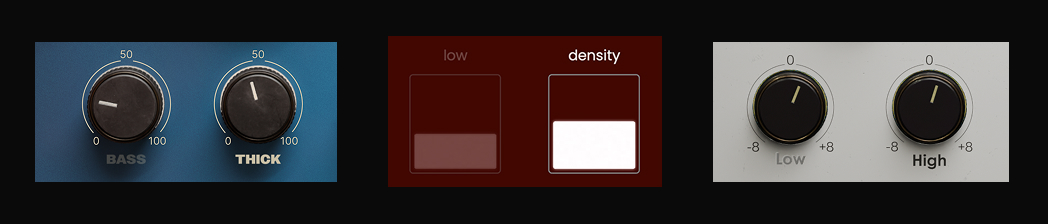
The other day, a friend and close collaborator of Musik Hack texted Sam and me to report a bug.
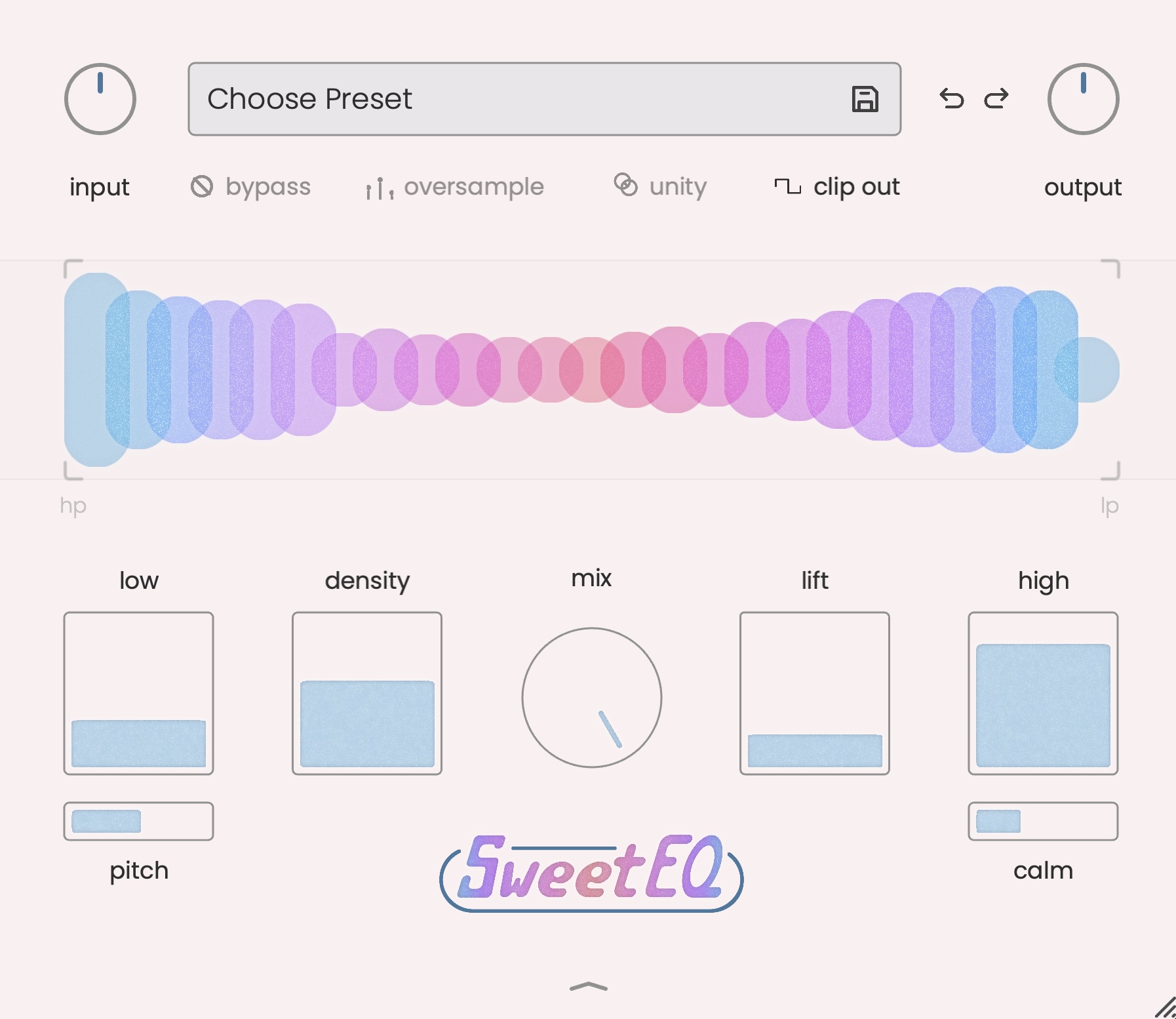
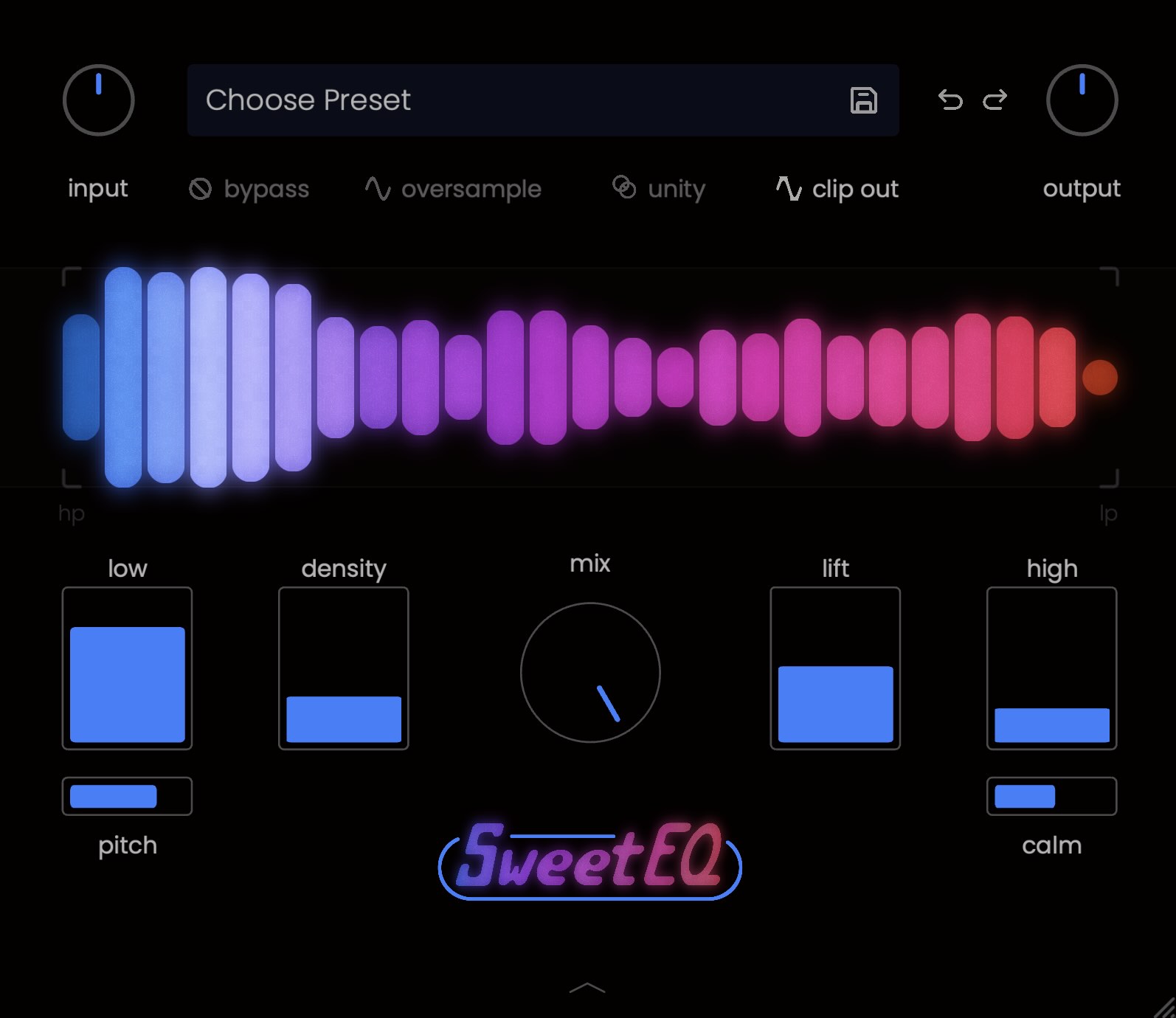
The issue? The "Density" slider in SweetEQ was grayed out, dimmed, and appeared to be stuck. Our friend didn't know how it ended up that way, and how to get it back. The fix? We told him to click the label "Density" above the slider for it to return to normal - sure enough, the dimming disappeared and the slider was interactable again.
This wasn't a bug. It was a key feature we've built into every Musik Hack plugin since the first release of Master Plan.
I've watched countless people use our plugins, from online demos to musician friends in my living room to the hundreds of people who visit our booth at NAMM every year. The people I notice using this feature the most are the advanced, power-user types, that are going for efficiency and quick understanding.
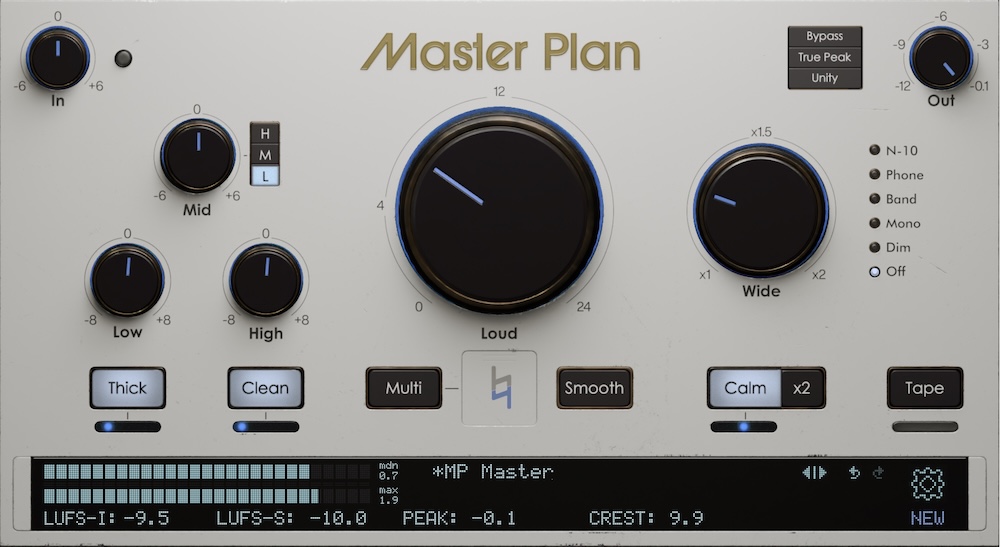
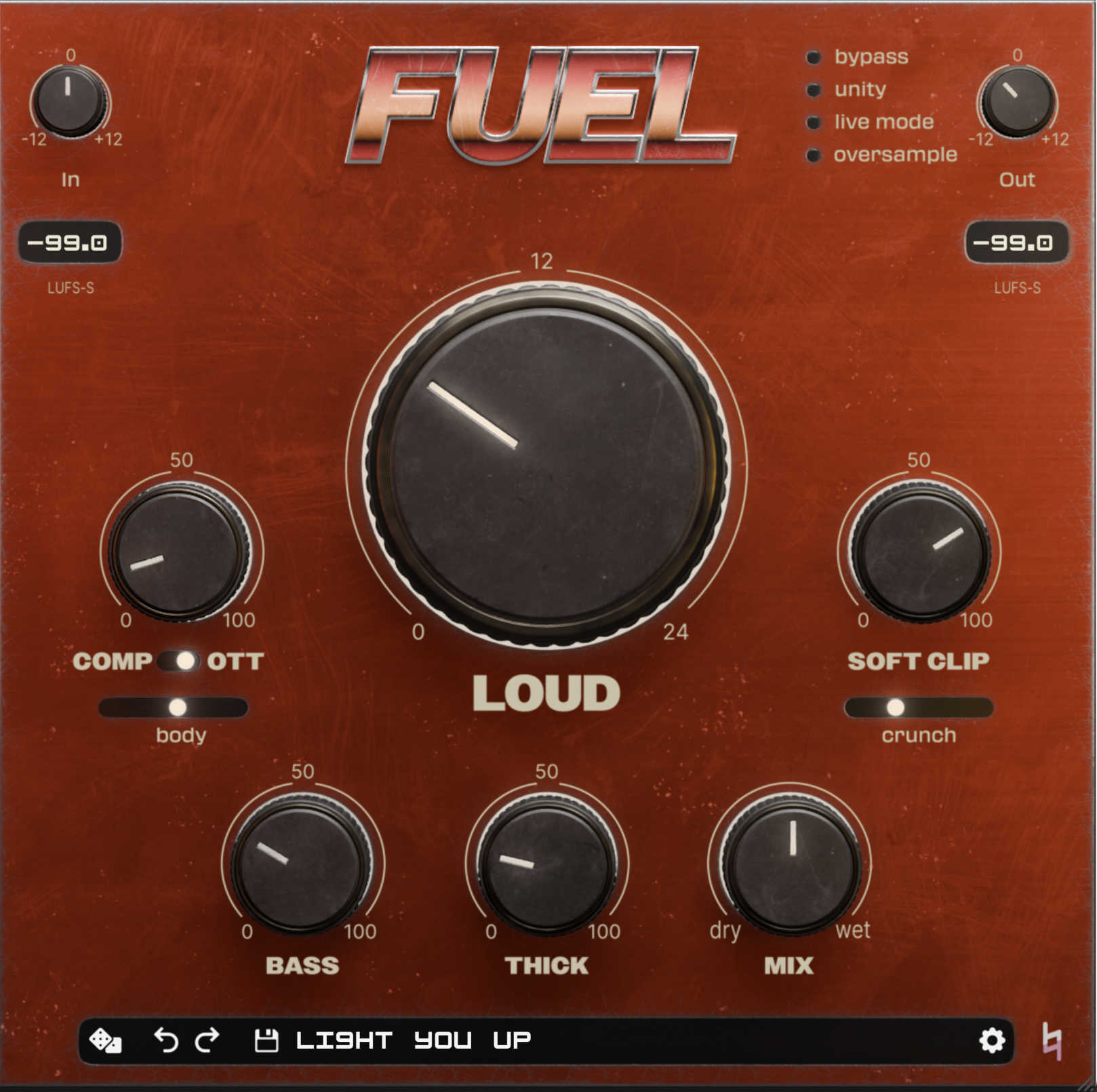
The feature? You can bypass individual controls. Master Plan, FUEL, and SweetEQ are all designed that most knobs/sliders can be individually bypassed, so you can toggle each and every part of the DSP circuit.
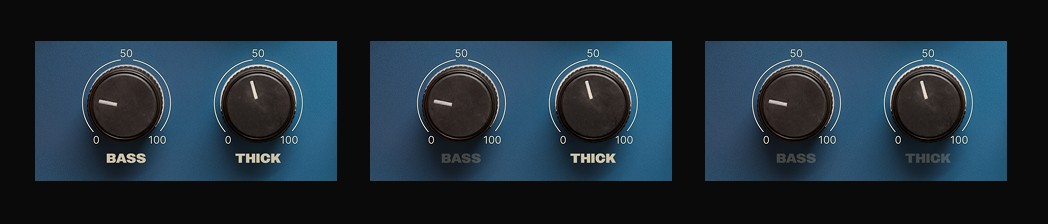
How do you do it? Simply click the label above or below each control, and you'll see that the control label (and, in the case of SweetEQ, the control itself) will dim substantially. This means that this part of the circuit has been bypassed. It's great for testing & demoing - just make sure to turn the control back on before bouncing your track!
The reason for individual control bypass is twofold: workflow and audio transparency.
We're huge fans of audio transparency: in other words, being able to hear what our plugins are doing to your audio. (It's also why we build the Unity function into all of our plugins.) The best way to employ this feature when trying one of our plugins for the first time? Crank the knob or slider's value to an exaggerated level, then toggle on and off that control's bypass. You'll be able to quickly identify what that control is doing to your material. Then, edge the control down into a more "reasonable" range, all while continuing to toggle the control's bypass.
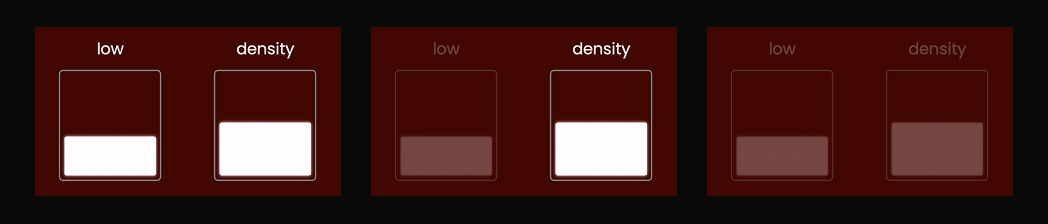
For workflow, having individual control bypass is a no-brainer. It's much faster to click the label on top of a knob over and over, than to remove and re-add the control's value multiple times. When you bypass the control, the value you had in there is stored, so if you land on a level you like, you don't have to keep typing it in or scrolling to a tiny range to recreate it.
For those of you who already know (and use) individual control bypass, yay! We're so glad you know about this (not intentionally) hidden feature. For those who didn't know this was a thing, try it out next time you have Master Plan, FUEL, or SweetEQ loaded up, and let us know what you think.