

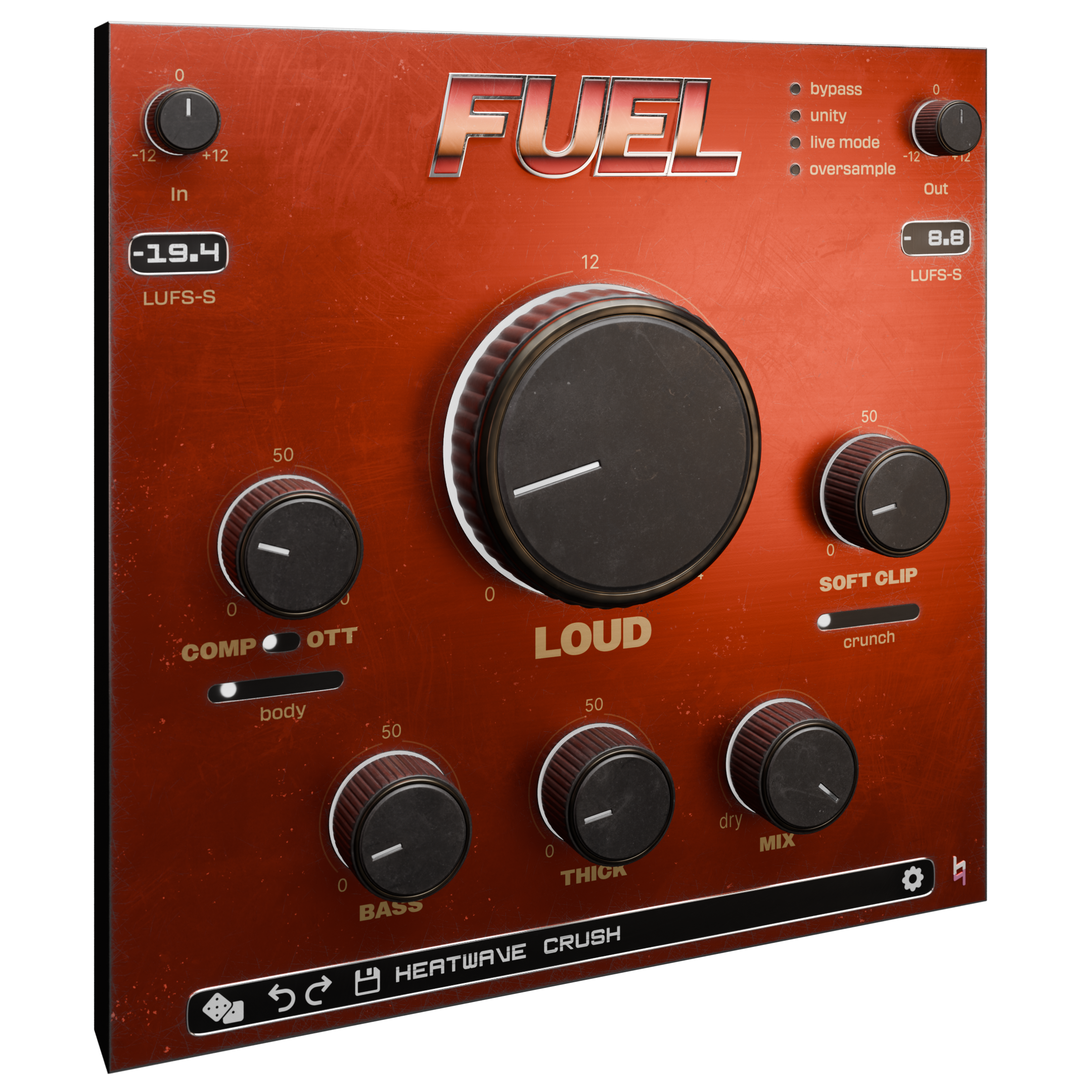
Nasty, aggressive compression is the secret weapon behind a lot of great drum sounds. There’s something about heavy gain reduction - and all the un-subtle coloration that comes with it - that can really bring a drum part to life. These tricks shine in parallel, allowing us to get the best of both ugly and clean drum sounds. Think of it as a sonic mullet: business in front, party in the back.
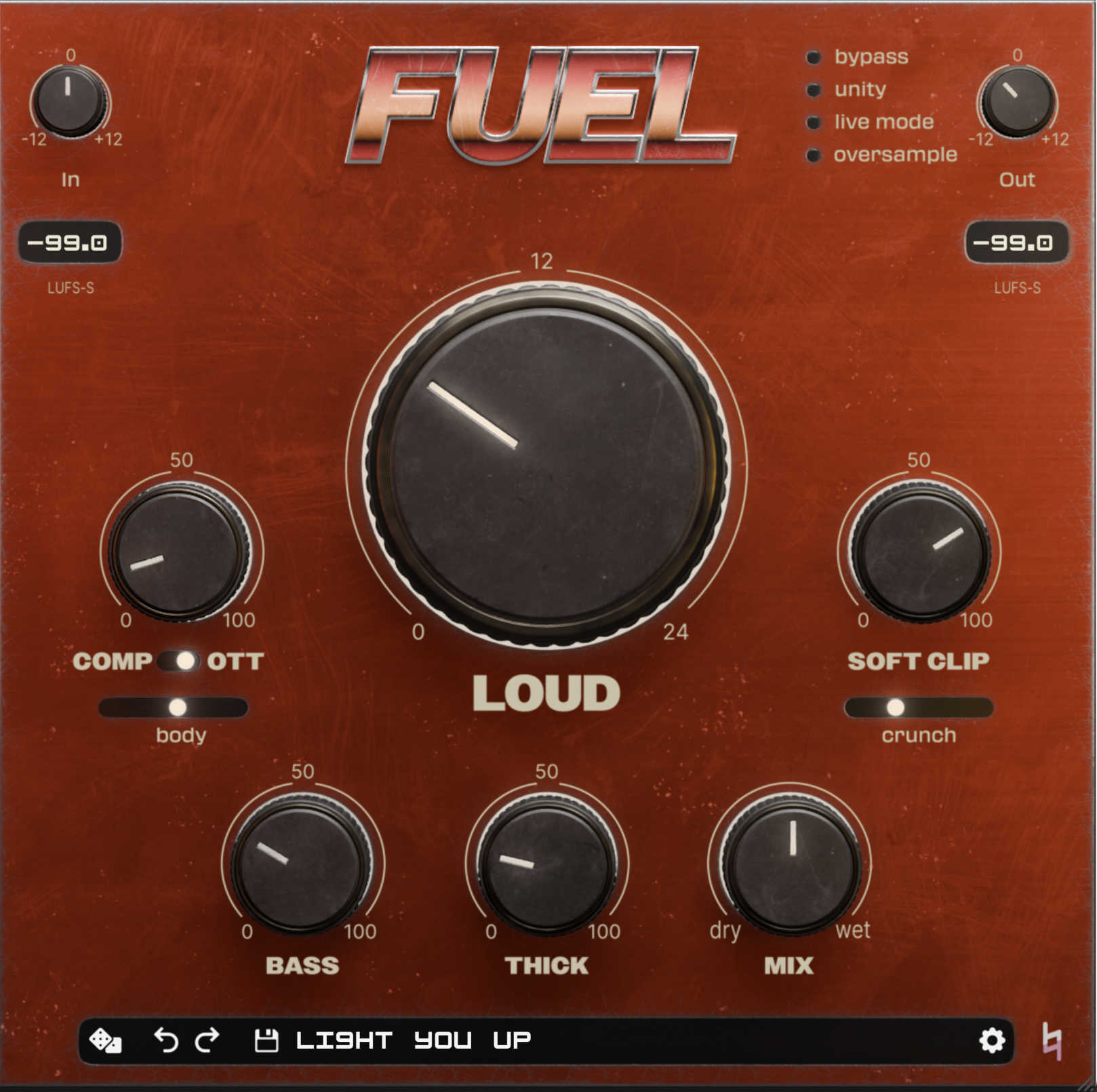
Old-school compressors were generally designed for more polite use. They invited engineers to come up with interesting hacks for achieving the kind of aggression I’m describing - think “all-in” mode on an 1176. FUEL takes a different approach. Rather than taking a tame setting and pushing it into the realm of rudeness, FUEL allows you to dial in dynamic control and sonic obliteration directly.
Before we dive in, there are two basic ways to set all this up. The first is more straightforward: if you’re working with a 2-track beat or simple drum bus, just insert FUEL directly and use the mix knob for parallel blending. For a more nuanced routing setup - like crushing the shells and room mics but not, say, the hi hat in a live drum multitrack - FUEL will live on an aux, and you’ll control the blend with the fader on that return channel. The rest of the recipe is basically the same either way. Got it? Let’s crush some drums.
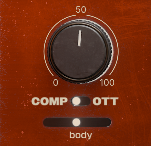
The obvious starting point is going to be the COMP knob. Personally, I lean toward the standard COMP mode over OTT here, but your taste may differ. Crank it and don’t be shy about it. FUEL’s COMP on its own is a pretty tasteful compressor, but also dialing up the BODY slider introduces some upward compression that will start to bring out sustain and, um, body in the drums, allowing low-level detail like the nastiness of the room to really sing. Dig it.
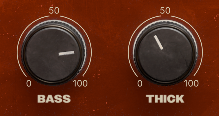
Do you like big, nasty kick drums? You do? What a coincidence, so do I! The BASS knob is your friend here - crank it to add both an EQ and saturation centered around 80 Hz, which is a sweet spot for most kick drums. Think of this as a modern take on the EQ component of the classic “New York compression” setup. Dialing up the THICK will nasty up the midrange quick - cool for presence and weight - though keep an ear out for what it’s doing to your cymbals. If the cymbals start to remind you of a leafblower, that’s a sign to back off.
SOFT CLIP is where you can really give things some flavor, in the vein of classic analog hardware being misused (lovingly). CRUNCH pushes the fuzz even further - start with just a touch and add more, or skip it if it’s too much for the vibe you’re after. LOUD will add some transparent limiting to bring all this forward - though the character of the sound is really going to come from the other settings.
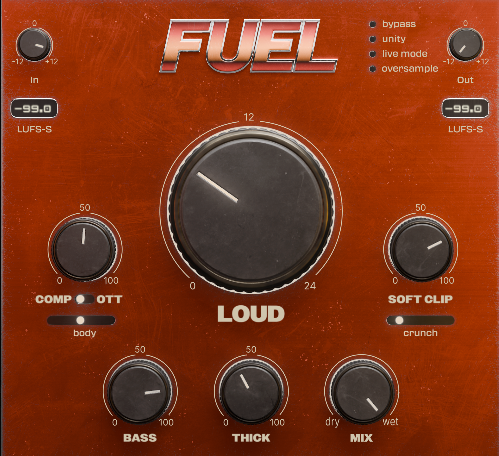
From there, mix to taste. Start with the effect all the way down and bring it up slowly - either with the fader on the return channel or the MIX knob at the bottom of FUEL's control panel, depending on which approach you're using. Find the spot where you just start to notice it doing something, and back off a bit from there. Now lean back and listen to those drums ruling in your mix - they should be denser, bolder, and more assertive, which is exactly what this kind of parallel compression is all about.